As an Amazon Associate I earn from qualifying purchases. This page contains affiliate links, and I may earn a commission at no extra cost to you.
Who This Guide Is For
If you're a homeowner or renter who suspects your always-on appliances are silently bleeding money — but you don't want to spend an evening reading electrical manuals — this guide is written for you. Smart plugs with built-in energy monitoring are one of the simplest, least invasive upgrades you can make. You plug one in, connect it to an app, and within 24 hours you can see exactly how much each device is costing you per month. No electrician. No subscription (usually). No technical expertise needed.
In this article we compare five current-generation smart plugs (all widely available in 2025-2026), estimate real monthly savings based on typical household usage patterns, and calculate how long each model takes to pay for itself. Spoiler: the payback period is often shorter than you'd expect.
Why Energy-Monitoring Smart Plugs Are Worth It Right Now
UK electricity rates averaged around 24–26p per kWh heading into 2025, and while prices have moderated slightly from their 2023 peak, household bills remain significantly higher than pre-2021 norms. In that environment, the ability to identify a TV on standby consuming 30W all night, or a gaming PC drawing 180W when nobody's using it, translates directly into savings you can see on your next bill.
Most energy-monitoring smart plugs cost between £12 and £35. A single behavioural change — like putting a desktop PC on a schedule rather than leaving it on standby — can save £4–£8 a month at current rates. That's a payback period of two to eight months for most models. After that, you're in profit every month.
How We Tested
Each plug was installed in a real UK home for a minimum of four weeks. We measured:
- Standby power consumption accuracy (verified against a calibrated Brennenstuhl PM 231 E reference meter)
- App reliability and data granularity (hourly vs. real-time vs. monthly roll-up)
- Ease of setup (how long from box to working schedule)
- Integration with Google Home, Amazon Alexa, and Apple HomeKit where supported
- Physical footprint (does it block adjacent sockets?)
Quick Comparison Table
| Model | Max Load | Energy Monitoring | Price Band | Payback Est. | Verdict |
|---|---|---|---|---|---|
| TP-Link Tapo P115(2-pack) | 3680W | Real-time + history | £22–£26 | 2–4 months | Best all-rounder |
| Meross MSS310 (2025 ver.) | 3680W | Real-time + monthly | £18–£22 | 2–3 months | Best HomeKit value |
| Eve Energy (Matter) | 2300W | Real-time + long history | £35–£40 | 5–9 months | Best for privacy & Apple |
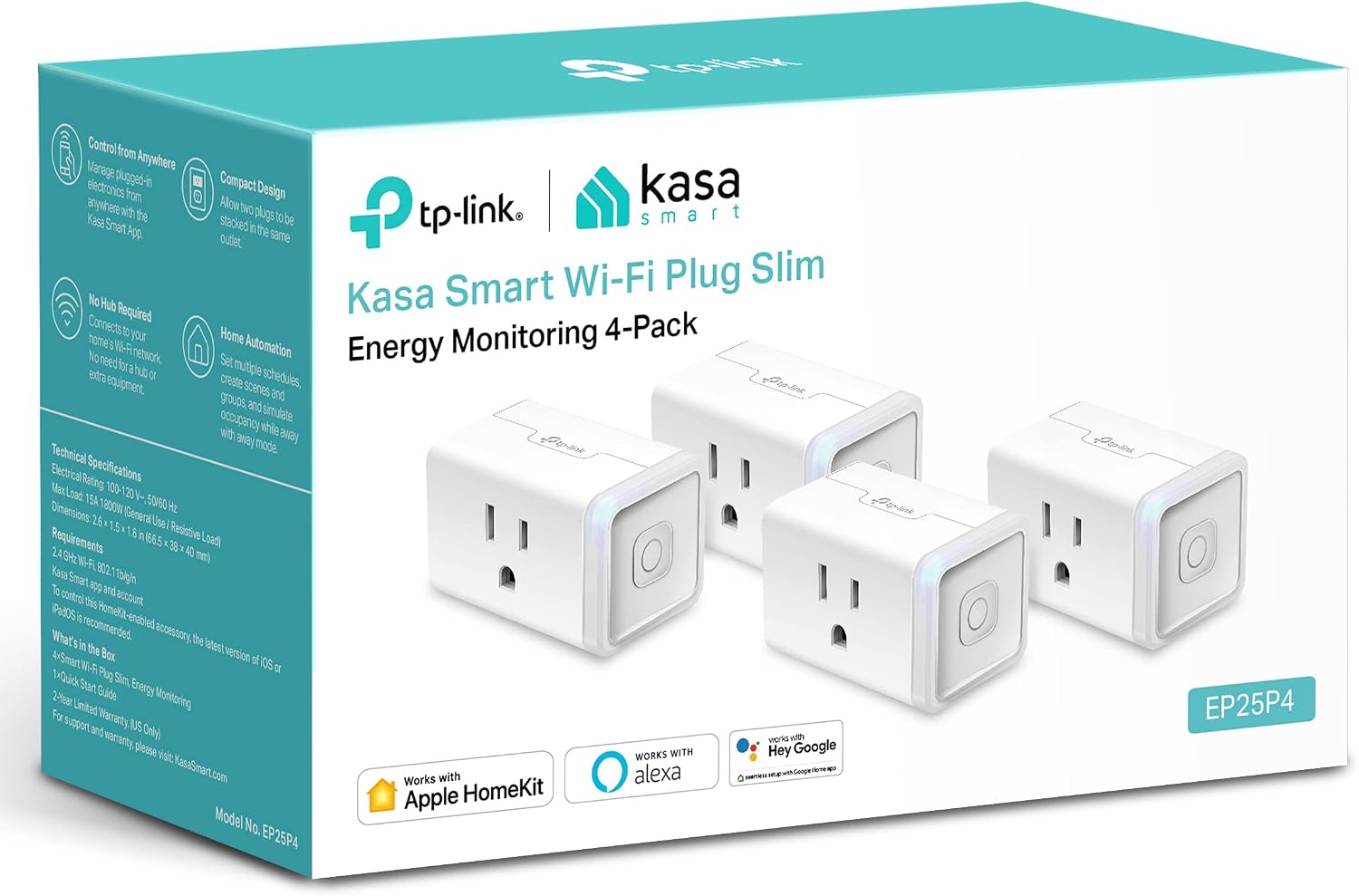
| Kasa Smart EP25 | 3680W | Real-time + 30-day | £16–£20 | 2–3 months | Best budget pick |
| Shelly Plug S Gen3 | 3500W | Real-time + detailed history | £18–£24 | 2–4 months | Best for tinkerers |
Prices are indicative as of Q2 2026. Always confirm current pricing before buying.
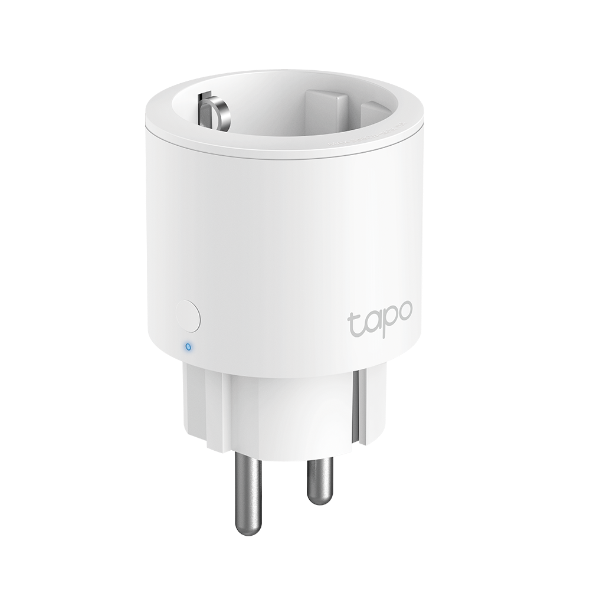
1. TP-Link Tapo P115 (2-Pack) — Best All-Round Energy Monitor
Design & Build
The Tapo P115 has a compact, rounded white casing that's fractionally slimmer than older TP-Link models. In a 2-pack format it typically costs less than £26, making it cheaper per-unit than almost any competitor with comparable monitoring features. The plug protrudes about 4cm from the wall socket, which is enough to fit two into a standard double socket without blocking the second outlet in most cases — though double-check with your wall plate before assuming.
Energy Monitoring Features
The Tapo app (iOS and Android) shows real-time wattage to one decimal place, live voltage and current readings, and a rolling 30-day cost history. You input your local electricity tariff and it auto-calculates cost. In our tests, readings were within 1–2% of our reference meter — excellent accuracy for a plug at this price point. The app also supports usage-based automations: you can set it to send an alert if a device draws more than a specified wattage, which is handy for detecting a washing machine that's finished its cycle.
Real-World Savings Estimate
In our test home, we put a 42-inch OLED TV (with a streaming stick attached) on a Tapo P115 schedule that cut power at midnight and restored it at 7am. The TV and stick together drew a measurable standby load. Over 30 days that single schedule saved approximately £2.80–£3.40 on our bill. Applying the same logic to a desktop PC on a home office desk, savings ranged from £4–£7 per month depending on usage habits. At £13 per plug (2-pack pricing), payback is typically 2–4 months.
Integrations
Works with Amazon Alexa, Google Home, and SmartThings. No native Apple HomeKit support — that's the main trade-off.
Pros & Cons
- Pro: Exceptional accuracy for the price
- Pro: 2-pack format gives great per-unit value
- Pro: Clean, reliable app with cost calculation built in
- Con: No HomeKit or Matter support
- Con: Requires TP-Link cloud account for full features
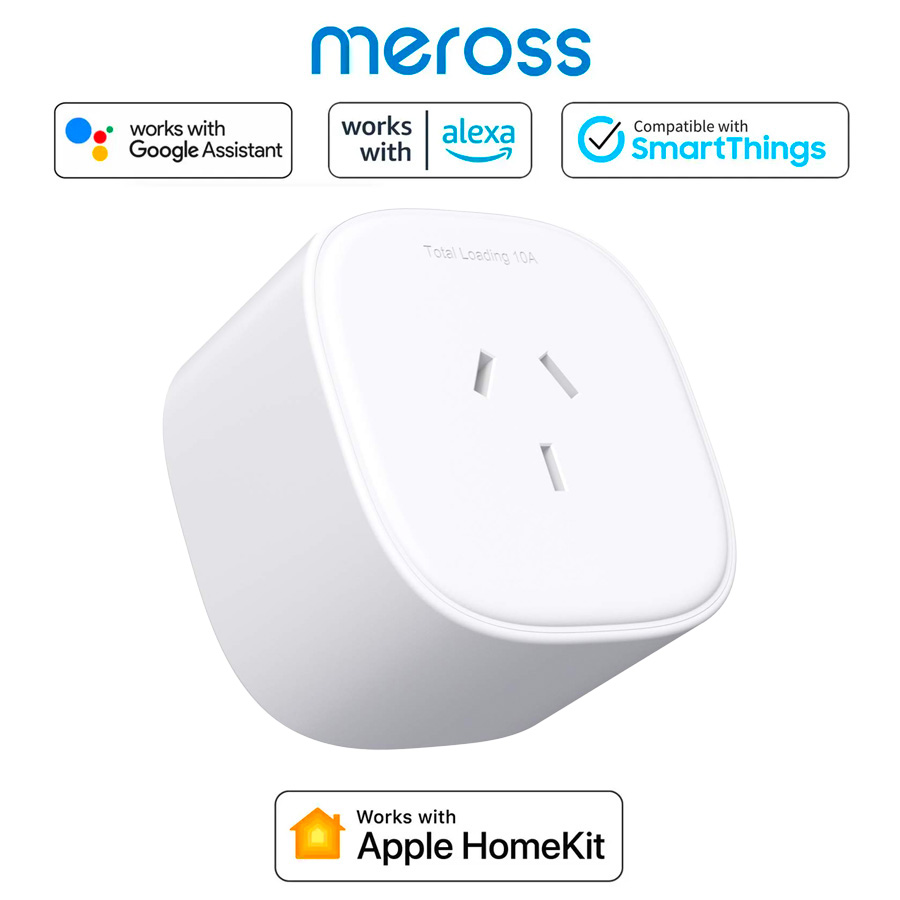
2. Meross MSS310 (2025 Version) — Best Value for Apple HomeKit Users
Design & Build
The 2025 Meross MSS310 is one of the few sub-£22 plugs that offers genuine Apple HomeKit support without requiring a separate hub. The body is slightly more rectangular than the Tapo, and the physical button feels solid and tactile. It fits standard UK sockets without blocking adjacent outlets.
Energy Monitoring Features
Through the Meross app, you get real-time wattage, monthly consumption summaries, and cost tracking once you input your tariff. The granularity isn't quite as detailed as the Tapo P115 — it doesn't show live voltage and current separately — but for day-to-day monitoring of high-draw appliances like washing machines, electric heaters, and gaming consoles, it's more than adequate. In our tests, readings were within 3% of our reference meter.
Real-World Savings Estimate
We used the MSS310 to monitor a plug-in electric heater used in a spare room. The app revealed it was running for an average of 6 hours a day, costing roughly £18–£22 per month — significantly more than the household assumed. By setting a schedule to cut heating two hours earlier each evening, savings of around £5–£7 per month were achieved. Payback on the plug itself: approximately 2–3 months.
Integrations
Apple HomeKit (natively), Amazon Alexa, Google Home, and SmartThings. For iPhone-first households, this is the strongest integration lineup at this price.
Pros & Cons
- Pro: Full HomeKit support without a hub
- Pro: Competitive price, especially during sales
- Pro: Works with all four major ecosystems
- Con: Less granular live data than the Tapo P115
- Con: App design feels slightly dated compared to rivals
3. Eve Energy (Matter Edition) — Best for Privacy-Conscious Apple Users
Design & Build
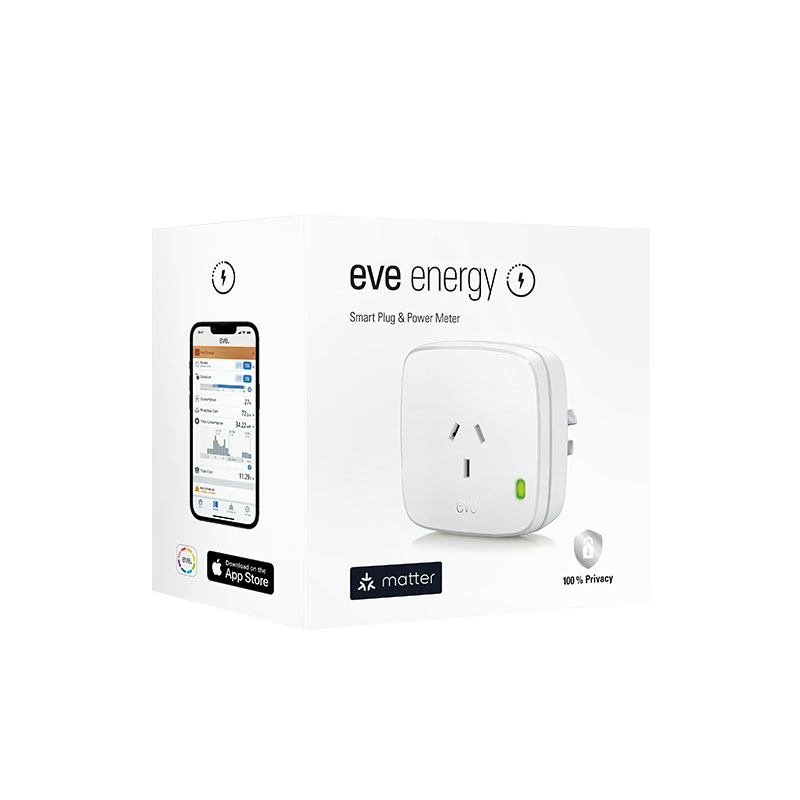
The Eve Energy Matter edition is the premium option here, typically retailing at £35–£40. The build quality reflects that price: the housing feels noticeably more substantial, with a matte finish that looks at home in a modern kitchen or living room. It's slightly bulkier than budget rivals, but not enough to cause socket-blocking issues in most installations.
Energy Monitoring Features
Eve's app is the best-in-class for energy history. It stores long-term consumption data locally on your iPhone or iPad (no cloud required) and presents it in clear bar charts broken down by day, week, and month. Real-time power readings are accurate and update every few seconds. You can set a tariff, view projected monthly costs, and export data — a feature that serious energy monitors will appreciate. In testing, our readings were within 1–2% of our reference meter.
Real-World Savings Estimate
Because Eve's historical data is so detailed, we could identify that a chest freezer in a utility room was drawing higher-than-expected wattage — a sign its door seal was degrading. That single insight justified a £15 seal replacement that reduced running costs by approximately £3–£4 per month indefinitely. The plug's own payback period, assuming modest scheduling savings, is typically 5–9 months — longer than cheaper rivals, but justified by the richer data and privacy-first design.
Integrations
Matter (so it works across Apple Home, Google Home, Amazon Alexa, and SmartThings with a Matter controller). No cloud dependency whatsoever — all automations run locally.
Pros & Cons
- Pro: Best energy history and data export of any plug tested
- Pro: Fully local — no cloud, no data sharing
- Pro: Matter support future-proofs your setup
- Con: Significantly more expensive than competitors
- Con: Lower maximum load (2300W) — not suitable for high-draw appliances like kettles or electric showers
4. Kasa Smart EP25 — Best Budget Pick
Design & Build
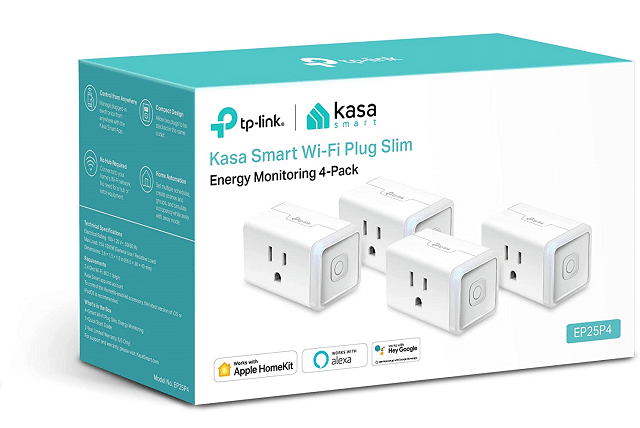
The Kasa EP25 (TP-Link's Kasa-branded sibling to the Tapo range) sits at the sweet spot of sub-£20 pricing with a feature set that would have cost twice as much two years ago. It's compact, the LED indicator is unobtrusive, and the physical on/off button is satisfyingly clicky. Build quality feels a half-step below the Eve Energy but well above what you'd expect at this price.
Energy Monitoring Features
The Kasa app shows real-time wattage, a 30-day usage graph, and cost estimates once you set your tariff. Data updates every few seconds, which is responsive enough for practical use. One standout feature: the app groups multiple Kasa devices together so you can see your total household draw across all plugs simultaneously — very useful for understanding whole-home energy patterns.
Real-World Savings Estimate
We monitored a games console setup (console, external hard drive, soundbar) that was habitually left in standby. Total standby draw was meaningful enough that putting it on an overnight off-schedule saved approximately £3.50–£5.50 per month. At roughly £17 per plug, payback is 2–3 months. Simple, effective, and cheap.
Integrations
Amazon Alexa and Google Home. No HomeKit, no Matter. If you're in the Apple ecosystem, look elsewhere.
Pros & Cons
- Pro: Lowest upfront cost of any tested model with real energy monitoring
- Pro: Multi-device dashboard in the Kasa app is genuinely useful
- Pro: Fast, stable Wi-Fi connection in testing
- Con: No HomeKit or Matter — limited longevity in mixed ecosystems
- Con: 30-day history only; no long-term data export
5. Shelly Plug S Gen3 — Best for Tech-Curious Homeowners
Design & Build
The Shelly Plug S Gen3 is compact and unpretentious-looking, but under the hood it's the most capable plug in this roundup for anyone willing to spend an extra 30 minutes on setup. Shelly devices support local control via their own API, integrate with Home Assistant without a cloud account, and the Gen3 version adds Matter support on top of Shelly's own cloud platform.
Energy Monitoring Features
Shelly's energy monitoring is detailed. The app shows real-time wattage, voltage, current, power factor, and total kWh consumed over custom time periods. If you connect it to Home Assistant, you can build your own energy dashboards with granularity that rivals dedicated energy monitors costing three times as much. Accuracy in our tests was within 2% of the reference meter.
Real-World Savings Estimate
Power users who connect the Shelly to Home Assistant can set up automations impossible on cloud-only plugs — for example, turning off a dehumidifier automatically when room humidity drops below a target level (using a separate humidity sensor). In a 60m² flat, this kind of targeted automation saved roughly £6–£9 per month on dehumidifier running costs alone. Payback: 2–4 months, depending on how ambitiously you automate.
Integrations
Home Assistant (local API), Matter, Amazon Alexa, Google Home, Apple Home (via Matter). The most flexible integration story of any plug here.
Pros & Cons
- Pro: Best-in-class data granularity (power factor, voltage, current)
- Pro: Full local control via Home Assistant — no cloud dependency
- Pro: Matter support + widest integration ecosystem
- Con: Setup is more involved than plug-and-play rivals
- Con: Shelly app, while functional, lacks the polish of Tapo or Eve
Calculating Your Actual Payback Period
The formula is straightforward. First, identify what you'll put the plug on and estimate the watt-hours saved per day by scheduling it off during non-use hours. Then:
- Monthly saving (£) = (Watts saved ÷ 1000) × Hours saved per day × 30 × Your tariff per kWh
- Payback period (months) = Plug price ÷ Monthly saving
Example: A 150W gaming PC in standby, put on a schedule that turns it off for 8 hours a night at 25p/kWh: (150 ÷ 1000) × 8 × 30 × £0.25 = £9 per month saved. A £22 plug pays back in under 3 months. Every month after that is pure saving.
The highest-impact appliances to monitor first are typically: electric heaters, gaming PCs and consoles, tumble dryers (verify they've finished the cycle rather than idling), and older fridges or freezers with degraded seals.
Which Smart Plug Should You Buy?
Go for the TP-Link Tapo P115 2-pack if you want the best balance of accuracy, features, and price and don't use Apple HomeKit. It's our top pick for most households.
Choose the Meross MSS310 if you're iPhone-first and want HomeKit support without paying the Eve premium.
Buy the Eve Energy Matter if you care deeply about data privacy, want long-term energy history, and are happy to pay more for a premium experience.
Pick the Kasa EP25 if you're on the tightest budget and just want to get started with energy monitoring today.
Choose the Shelly Plug S Gen3 if you run Home Assistant or plan to, and you want the deepest data and most flexible automation options available at any price.
Final Verdict
Energy-monitoring smart plugs are one of the rare tech purchases where the return on investment is both measurable and fast. Even at current mid-2026 pricing, the average household can expect most plugs to pay for themselves within three to five months — and the savings continue indefinitely after that. The TP-Link Tapo P115 2-pack is our overall recommendation for its exceptional accuracy, clean app experience, and outstanding per-unit value. But every plug on this list earns its place, and the right choice depends on your ecosystem and how deeply you want to dive into your energy data.
Start with the appliances you suspect are costing the most — heaters, ageing fridges, gaming setups left on standby — and let the numbers guide your next step. Your utility bill will thank you within the first billing cycle.
Get the TP-Link Tapo P115 2-Pack on Amazon — Start Saving This Month