As an Amazon Associate I earn from qualifying purchases. This page contains affiliate links, and I may earn a commission at no extra cost to you.
Roku Streaming Stick 4K vs. Amazon Fire TV Stick 4K Max: The Ultimate Streaming Showdown
In August 2026, the streaming landscape is busier than ever. Finding the right device to bring all your favorite movies, shows, and apps to your TV can feel like a maze. Two of the most popular and competent options in the mid-range 4K stick market are the Roku Streaming Stick 4K and the Amazon Fire TV Stick 4K Max. Both promise stunning 4K HDR visuals and smooth streaming, but they approach the user experience from very different angles. Let's dig into which one deserves a spot in your entertainment setup.
Roku Streaming Stick 4K: Simplicity in a Small Package
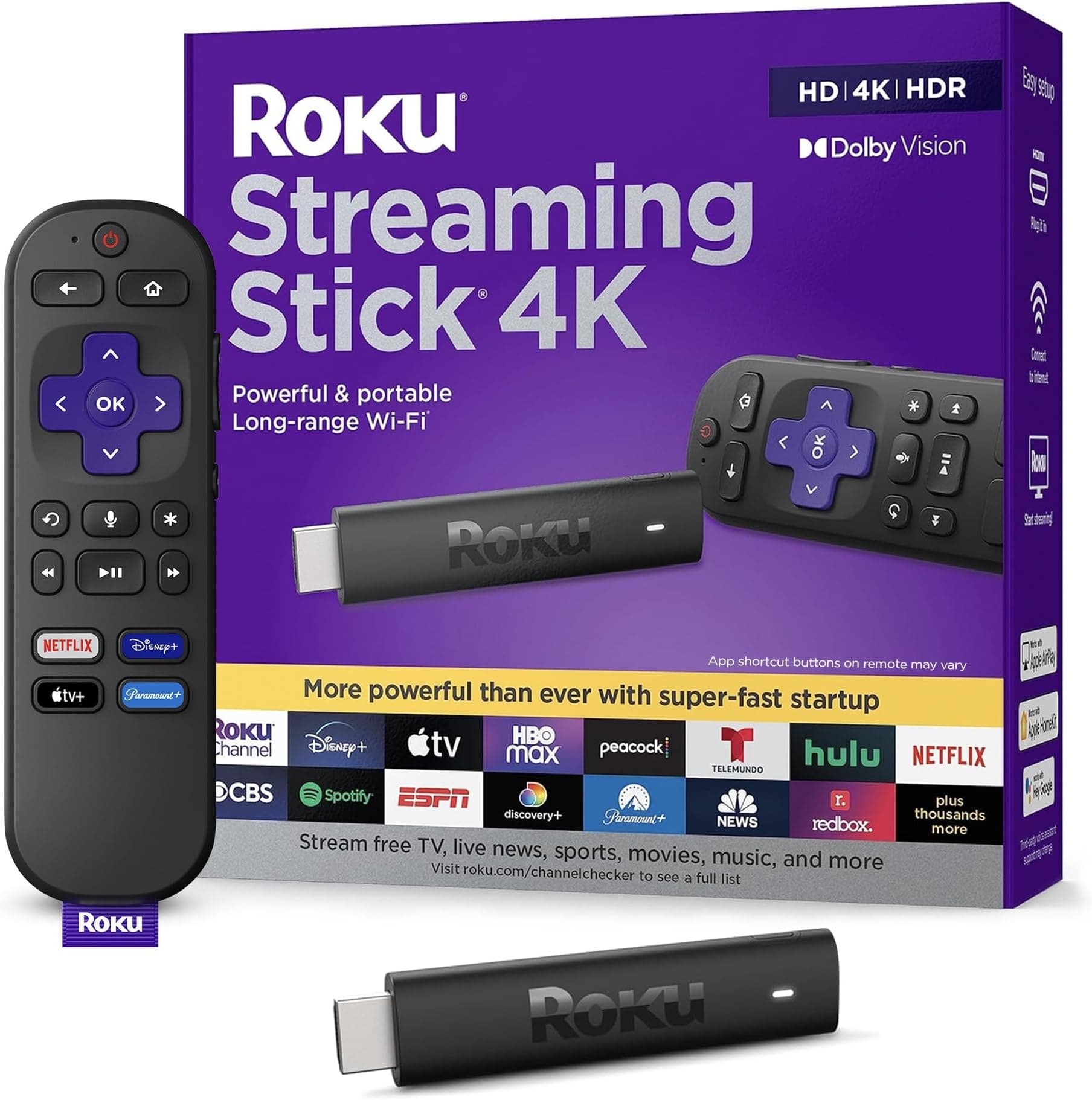
The Roku Streaming Stick 4K is designed for plug-and-play ease. It’s a discreet dongle that hides neatly behind your TV, powered by a USB cable. Roku's operating system is famously straightforward: a clean grid of app icons. This neutrality is a big draw for many, as it doesn't push any specific content provider over another, making it genuinely easy to navigate for anyone. Based on published specs, it supports all the crucial visual standards, including Dolby Vision, HDR10, and HDR10+, ensuring vibrant picture quality on compatible TVs.
Performance-wise, the inclusion of Wi-Fi 6 support is a significant plus, offering solid, reliable connectivity even in homes with multiple devices battling for bandwidth. This translates to less buffering and more seamless playback, which is exactly what you want from a streaming device. The remote is simple, featuring dedicated buttons for popular streaming services and basic TV controls like power and volume. It’s effective, if a little utilitarian.
Amazon Fire TV Stick 4K Max: Power with a Side of Alexa
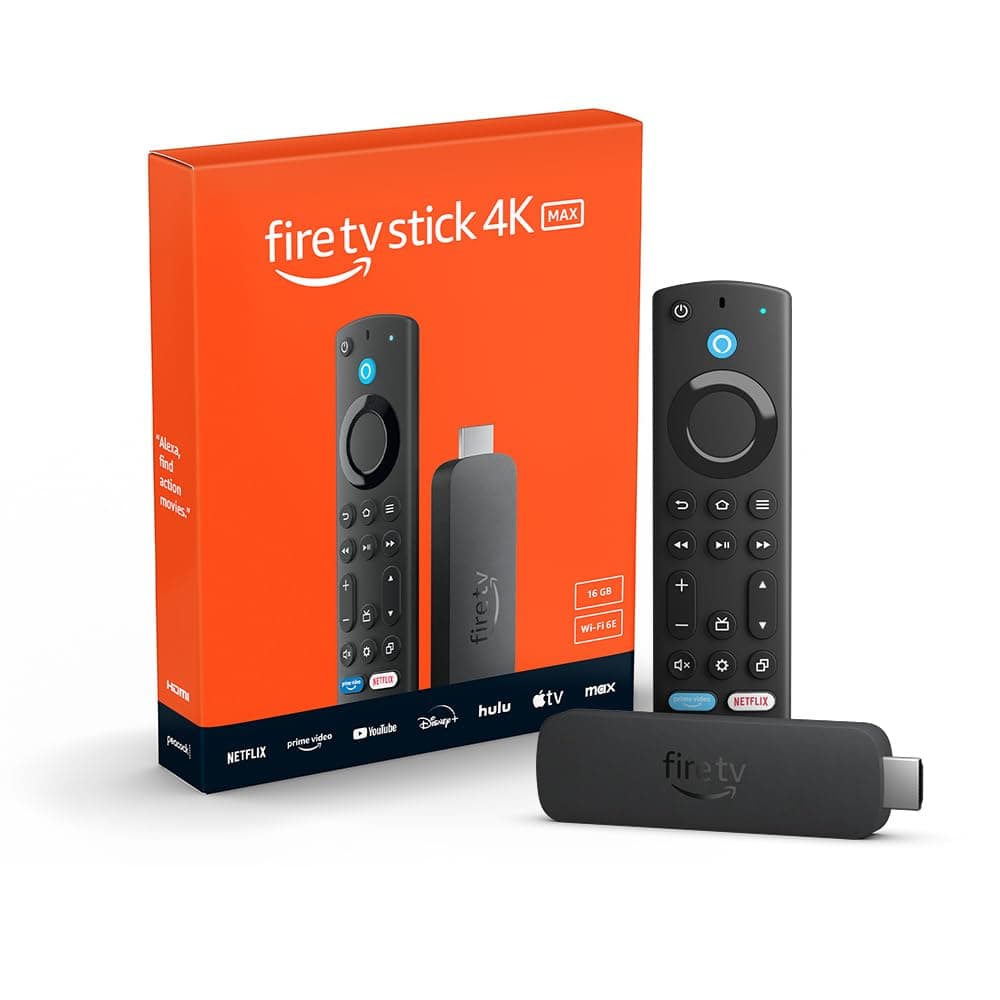
Amazon's Fire TV Stick 4K Max takes a similar dongle approach to hardware but packs a more powerful punch under the hood. It supports the same array of 4K HDR formats – Dolby Vision, HDR10, HDR10+ – but distinguishes itself with faster processing and, crucially, Wi-Fi 6E. If you have a Wi-Fi 6E compatible router, this means potentially even faster and more stable wireless performance, especially in crowded wireless environments. This device is built for speed and responsiveness.
The Fire OS interface, however, is a different beast. It's deeply integrated with Amazon's ecosystem, heavily promoting Prime Video content and offering robust Alexa voice assistant features. You can use the included Alexa Voice Remote not just to find shows, but to control smart home devices, check weather, or even see your security camera feeds via picture-in-picture. This can be fantastic if you're already invested in the Alexa ecosystem, but for others, the content recommendations can sometimes feel a bit overwhelming, pushing Amazon services more prominently than rival platforms.
The Ultimate Showdown: Which Reigns Supreme?
| Feature | Roku Streaming Stick 4K | Amazon Fire TV Stick 4K Max | Buy |
|---|---|---|---|
| Resolution | 4K, HDR, Dolby Vision | 4K, HDR, Dolby Vision | |
| Wi-Fi | Wi-Fi 6 | Wi-Fi 6E | |
| Interface | Clean, neutral, app-focused | Amazon-centric, Alexa-integrated | |
| Remote | Voice control, TV controls, service buttons | Alexa Voice Remote, TV controls, smart home integration | |
| Price Band | Mid-range | Mid-range | |
| Verdict | Best for simplicity & neutrality | Best for power & Alexa integration | Roku Streaming Stick 4K Amazon Fire TV Stick 4K Max streaming device |
Performance & Connectivity
Both sticks handle 4K streaming with aplomb. Based on specifications, the Fire TV Stick 4K Max has an edge with its Wi-Fi 6E support and slightly more powerful processor. This means it can potentially load apps faster and provide a smoother experience, especially if your home network is upgraded to Wi-Fi 6E. The Roku's Wi-Fi 6 is still excellent and perfectly capable for most households, but the Fire TV Max aims for that little bit extra.
User Interface & Experience
This is where the biggest divergence lies. Roku OS is a paragon of simplicity. It's a no-nonsense grid of apps, making it incredibly easy for anyone to pick up and use without feeling lost in recommendations or advertisements. The Fire TV Stick 4K Max, on the other hand, is a more 'active' interface. Its home screen is packed with suggested content, often prioritizing Prime Video. If you're an Amazon Prime subscriber and use Alexa frequently, this integration is a huge benefit. If you prefer a more minimalist approach or don't want Amazon dictating your viewing choices, the Roku is a breath of fresh air.
Remote & Special Features
Both remotes offer voice control and the convenience of controlling your TV's power and volume. The Fire TV Stick 4K Max's Alexa Voice Remote, however, is a more versatile tool. Its deep integration with Alexa allows for smart home control, asking questions, and even viewing live camera feeds through picture-in-picture. The Roku Streaming Stick 4K remote is straightforward, getting the job done without extra frills, which some users genuinely prefer.
Value for Money
Both devices typically sit in a similar mid-range price bracket, making them excellent value for money for 4K streaming. The Fire TV Stick 4K Max, with its slightly more robust specs (Wi-Fi 6E, faster processor) and deeper Alexa integration, arguably offers a bit more 'future-proofing' and smart home functionality for a comparable cost.
Who Should Buy Which?
- Choose the Roku Streaming Stick 4K if: You value absolute simplicity, a neutral interface that doesn't push specific content, and a straightforward streaming experience for the whole family. It's perfect if you're not heavily invested in a smart home ecosystem.
- Choose the Amazon Fire TV Stick 4K Max if: You want the most powerful mid-range stick available, appreciate deep Alexa integration, have a Wi-Fi 6E router, or are already an Amazon Prime subscriber who enjoys content recommendations. It's a great hub for a smart home.
Alternatives to Consider
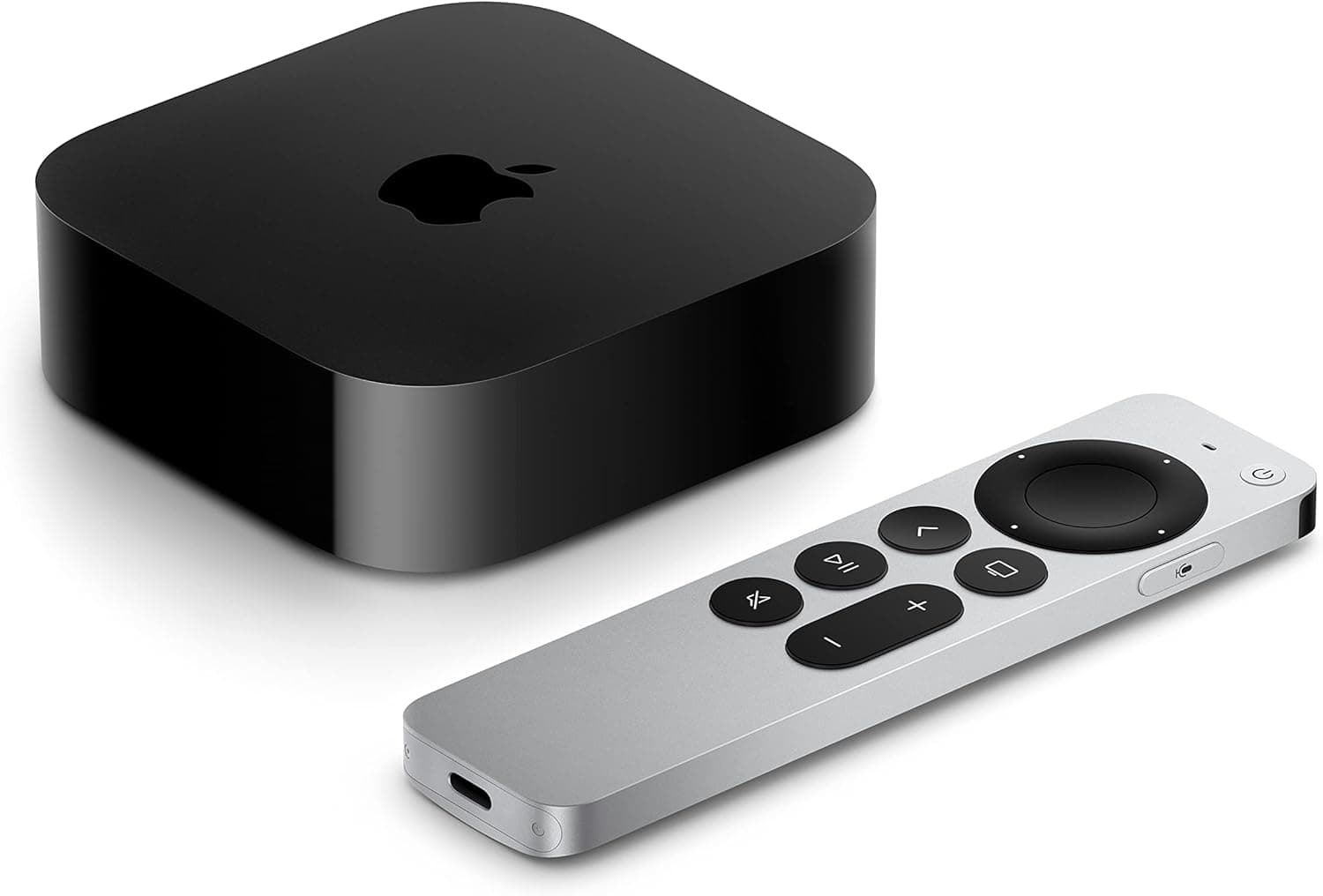
While the Roku and Fire TV Sticks are fantastic, they aren't your only options. If you're looking to spend a bit more for a truly premium experience, the Apple TV 4K (3rd generation) offers unparalleled performance, seamless integration with the Apple ecosystem, and a truly gorgeous interface, though at a significantly higher price point. For the ultimate in power and versatility, especially if you're into local media servers (like Plex) or cloud gaming, the Nvidia Shield TV Pro remains a beast, albeit a far more expensive and niche one.
Verdict
The Roku Streaming Stick 4K is a stellar choice for its sheer ease of use, but for most users seeking a powerful, feature-rich 4K streaming experience with strong smart home integration, the Amazon Fire TV Stick 4K Max edges out the competition with its Wi-Fi 6E support and deep Alexa capabilities. Regardless of your pick, both offer excellent value for transforming any TV into a smart entertainment hub. Check today's price on Amazon for the Fire TV Stick 4K Max.