As an Amazon Associate I earn from qualifying purchases. This page contains affiliate links, and I may earn a commission at no extra cost to you.
Why Your Smart TV Software Isn't Enough Anymore
Most modern televisions come with built-in smart platforms, but almost all of them age poorly. Within two or three years, built-in TV processors begin to struggle under the weight of app updates, interface redesigns, and increasingly heavy ad banner loads. Menu navigation stutters, app launch times double, and Wi-Fi reception degrades. Pluggable 4K streaming devices remain the single best upgrade you can make to extend the lifespan of a good display or fix a frustrating living room setup.
Choosing the right player comes down to balancing four main factors: interface clutter, processing speed, smart home integration, and format support for Dolby Vision, HDR10+, and Dolby Atmos audio. Below, we break down how the leading dedicated streaming hardware stacks up based on technical specifications, ecosystem lock-in, and real-world owner feedback.
4K Streaming Players at a Glance
| Device | Key Specs | Price Band | Best For | Link |
|---|---|---|---|---|
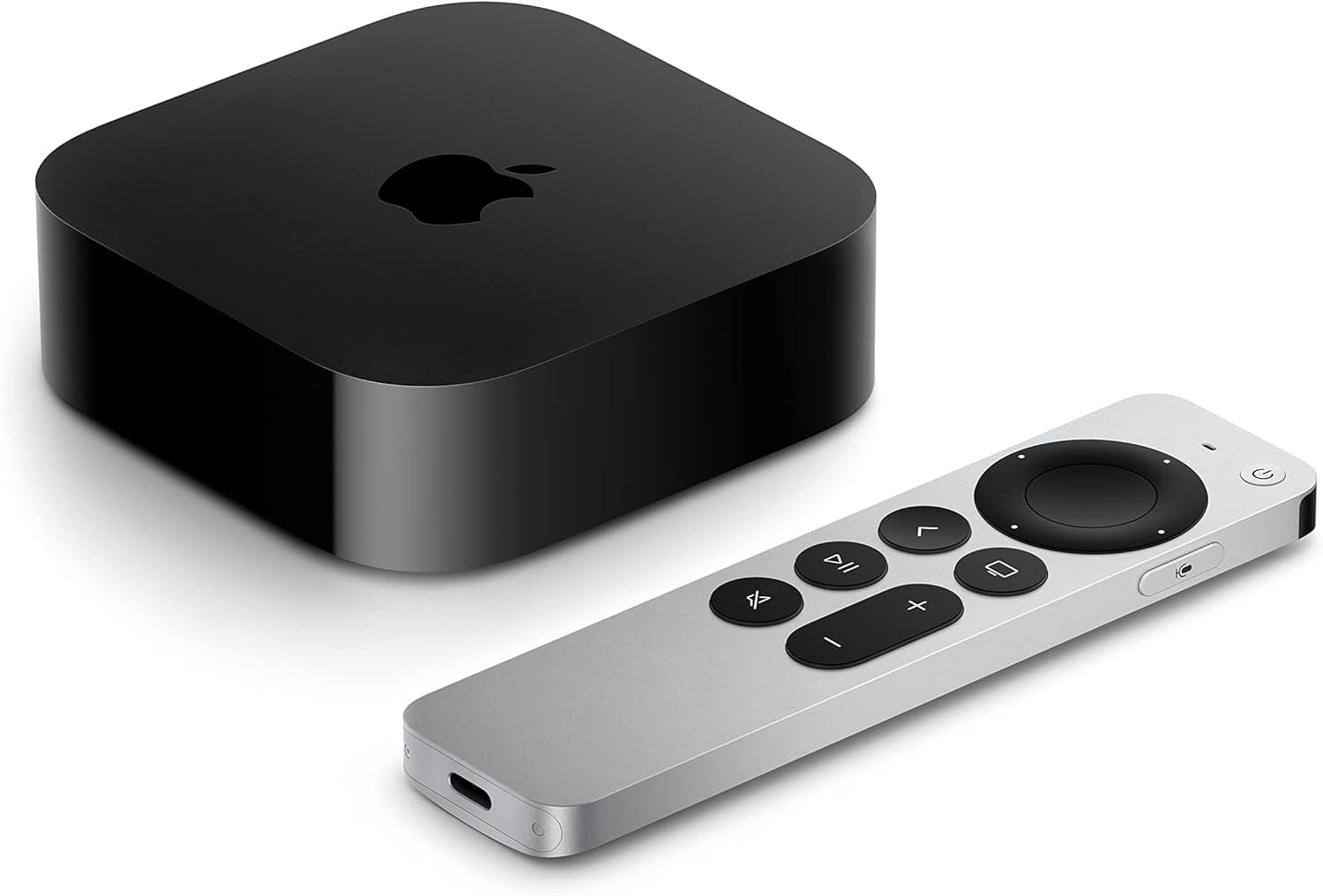
| Apple TV 4K (3rd Gen) | A15 Bionic chip, Dolby Vision, HDR10+, Dolby Atmos, AirPlay | Premium (~$130-$150) | Apple users & performance enthusiasts | Check Price on Amazon |
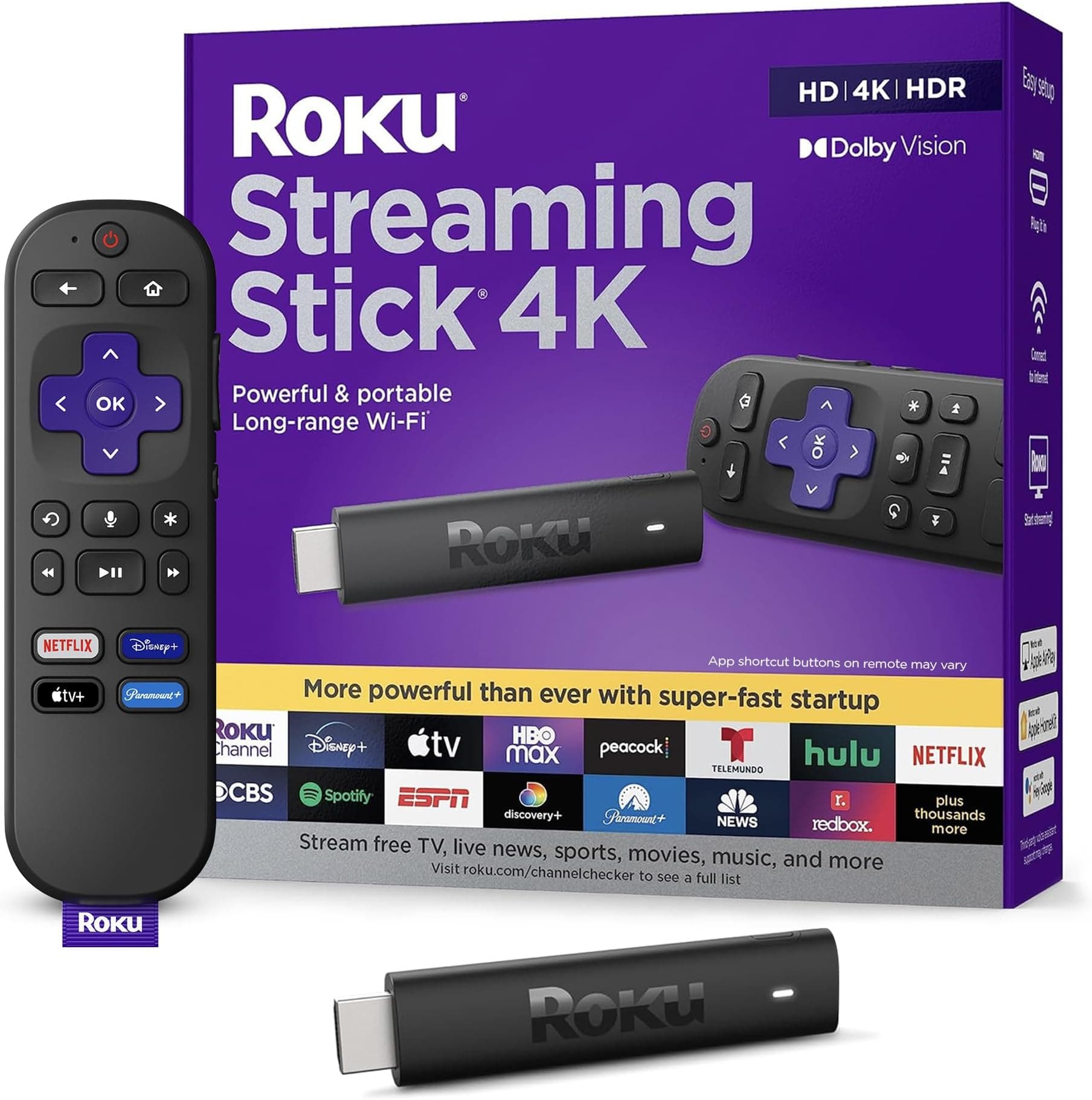
| Roku Streaming Stick 4K | Long-range Wi-Fi, Dolby Vision, HDR10+, Voice Remote | Budget (~$40-$50) | Simplicity & zero-fuss navigation | Check Price on Amazon |
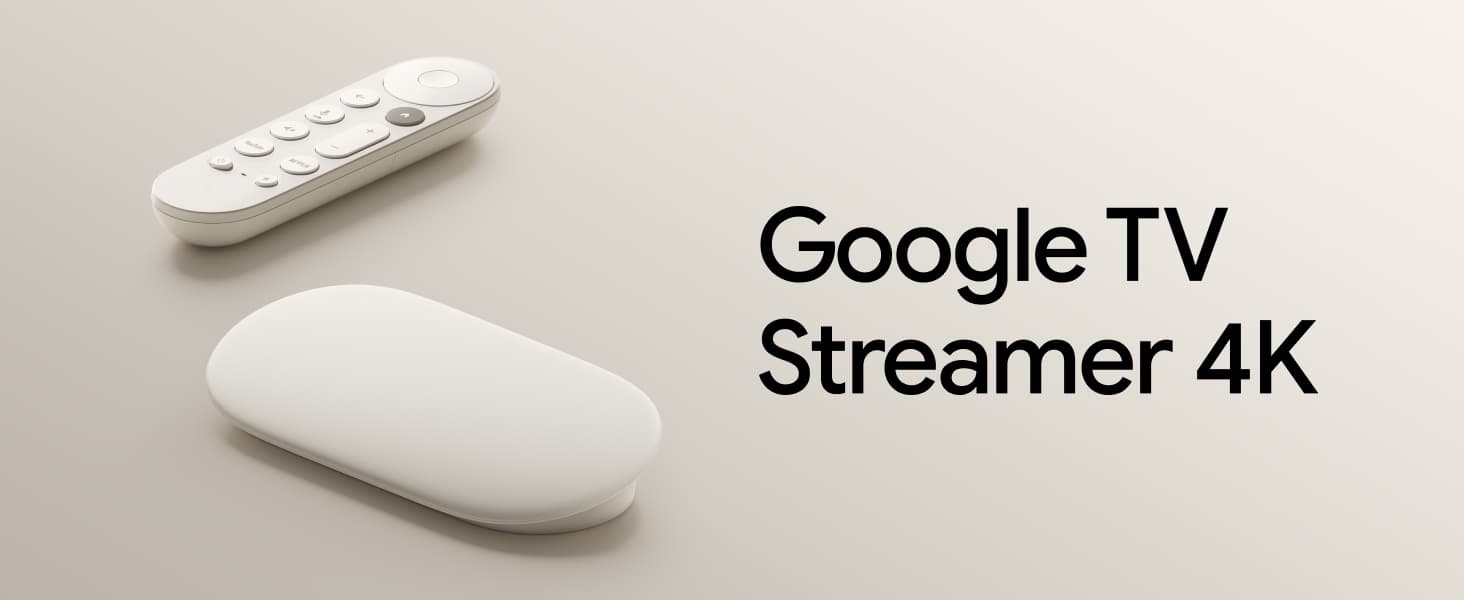
| Google TV Streamer 4K | Custom suggestions, Kids Profiles, smart home control, HDR | Mid-Range (~$100) | Google Home users & personalized recommendations | Check Price on Amazon |
| Amazon Fire TV Stick 4K Max (2nd Gen) | 16GB storage, Xbox Cloud Gaming, Ambient Experience, Alexa | Mid-Range (~$60) | Cloud gaming & Amazon ecosystem heavy users | Check Price on Amazon |
Deep Dive into the Top 4K Streaming Devices
Apple TV 4K (3rd Gen)
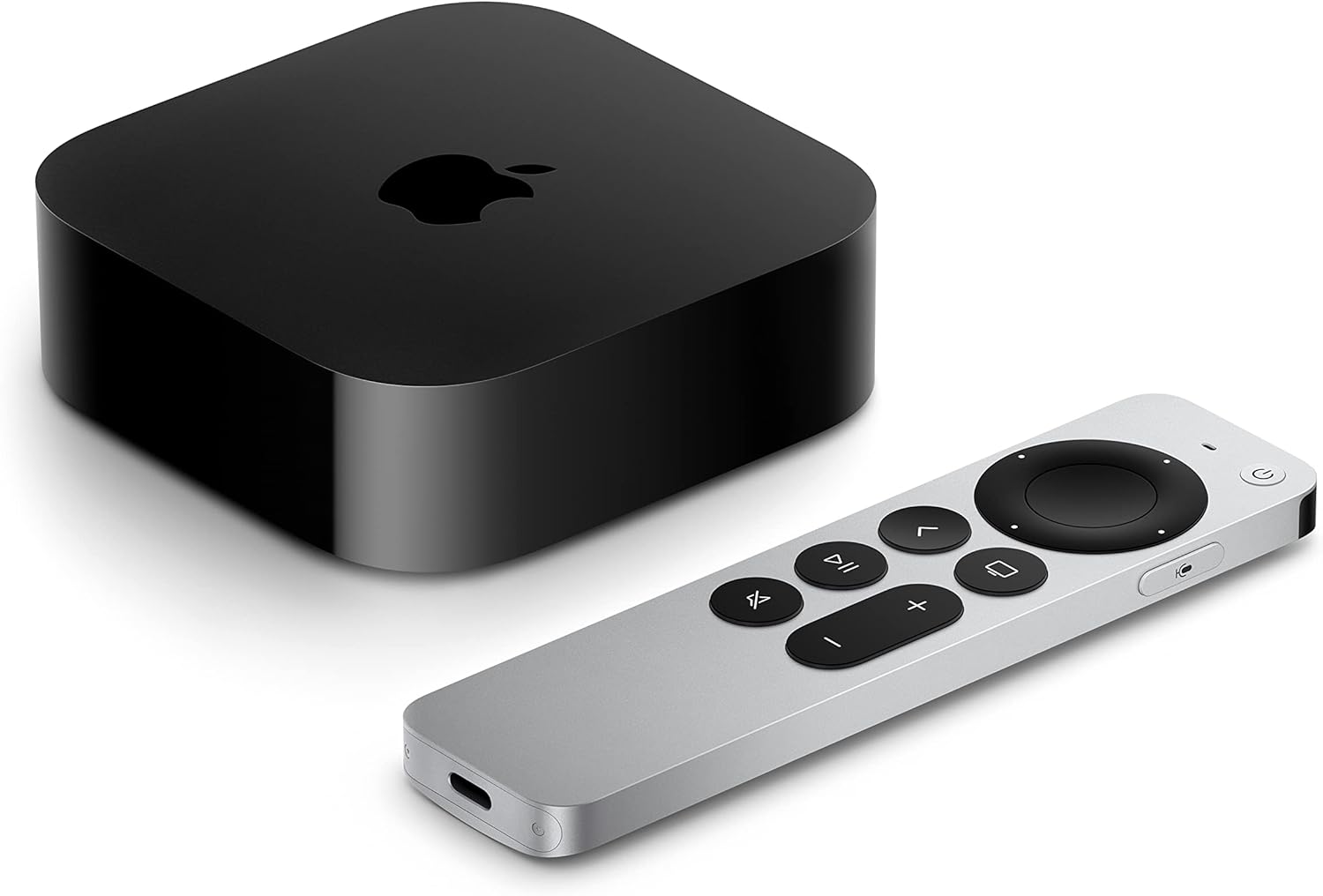
If snappy performance and a clean, ad-free home screen are your top priorities, the Apple TV 4K (3rd Gen) sets the benchmark. Powered by Apple's A15 Bionic chip, this box handles menu navigation, app launches, and high-bitrate video streams with zero input lag. While competitor sticks frequently hesitate when jumping between heavy streaming apps, the Apple TV 4K moves effortlessly.
Hardware support is comprehensive. It handles both 4K Dolby Vision and HDR10+ frame-by-frame dynamic metadata, paired with Dolby Atmos positional audio decoding. The included Siri Remote features a touch-enabled clickpad made of solid aluminum, giving you precise frame-accurate scrub controls when rewinding or fast-forwarding content. Apple ecosystem features like AirPlay photo sharing, screen mirroring from a Mac or iPad, and support for Apple Arcade and Apple Fitness+ add extra utility beyond streaming video.
The main caveat is price. Sitting squarely in the premium price bracket, it costs roughly triple what basic streaming sticks command. Additionally, while Siri voice search works well for finding shows across subscribed apps, non-Apple device owners won't benefit from screen casting or quick device pairing. For those already using iPhones or Macs, however, it remains the gold standard in hardware responsiveness.
Roku Streaming Stick 4K
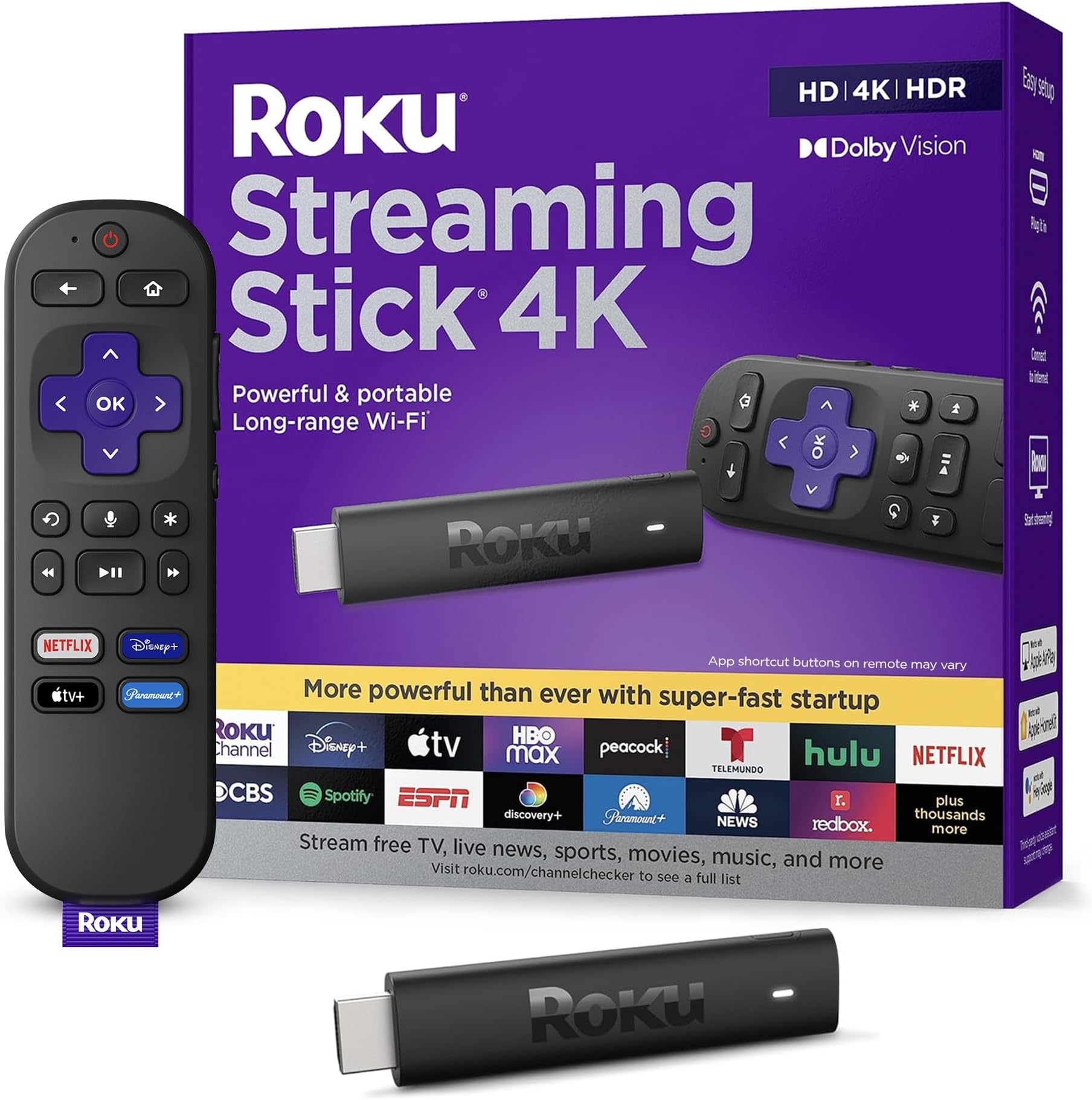
For viewers who want an uncomplicated interface that prioritizes content apps over targeted promotions, the Roku Streaming Stick 4K provides exceptional value. It plugs directly into an HDMI port and hides behind your wall-mounted or desktop panel, keeping cords invisible.
Despite its small physical footprint, Roku equips this model with a redesigned long-range Wi-Fi receiver built directly into the USB power cable. This significantly reduces buffering issues when the TV is located far from your wireless router. Picture standards match much costlier boxes, offering crisp 4K rendering alongside dynamic HDR10+ and Dolby Vision tone mapping.
Roku's chief selling point remains its neutral home screen. Instead of forcing tailored recommendations or auto-playing video banners down your throat, Roku displays a simple grid of installed channels. The bundled voice remote provides quick TV power and volume operation, letting you replace your primary TV remote entirely. The trade-off is a lack of advanced smart home hubs or gaming features—this device focuses strictly on hassle-free video playback.
Google TV Streamer 4K
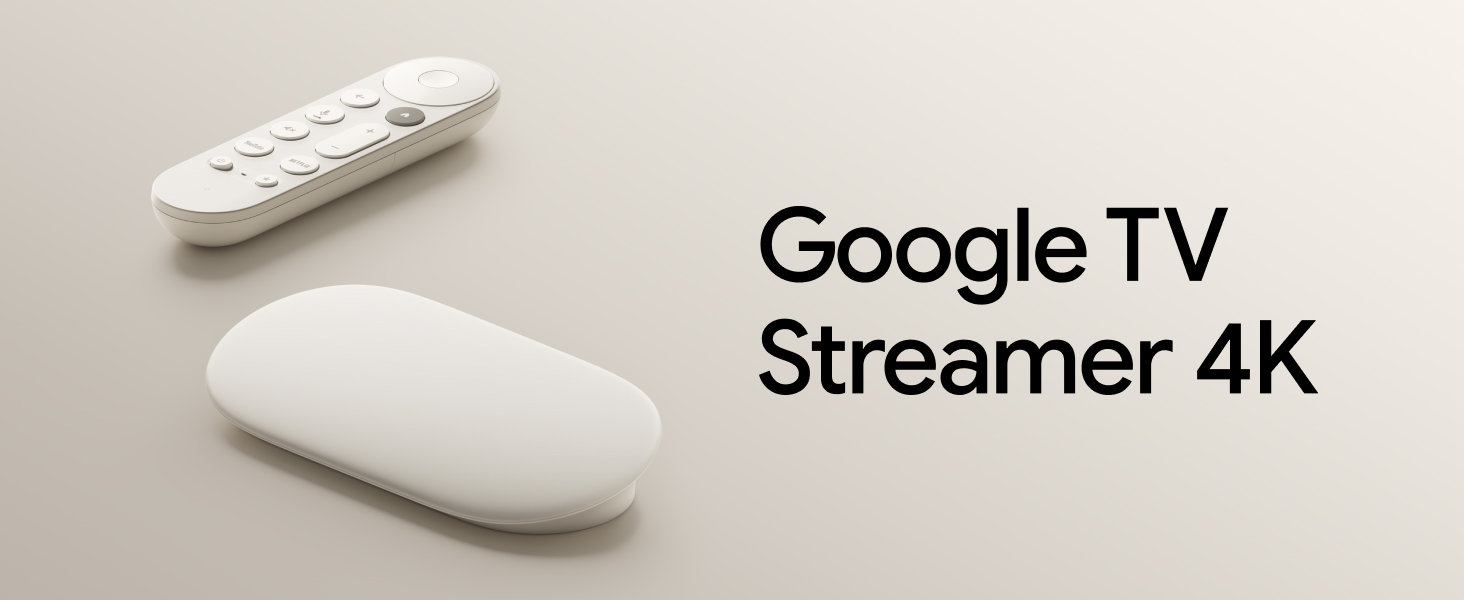
The Google TV Streamer 4K approaches streaming from a content-first, discovery-driven perspective. Designed to sit elegantly on a TV console rather than hanging off an HDMI port, this unit serves double duty as a media center and a Google Home hub control point.
Rather than jumping in and out of individual apps, Google TV pulls content from across your active subscriptions into a unified watchlist and personalized recommendation queue. Voice interaction via the Google Assistant remote lets you query by actor, genre, or mood, yielding accurate, context-aware suggestions on screen. For households with young viewers, robust Kids Profiles allow granular parental controls, watch-time limits, and curated family-friendly layouts.
In terms of sustainability and construction, the housing incorporates recycled materials while Chromecast protocol integration makes casting tabs from Chrome or phones effortless. Owners who prefer strict privacy or dislike algorithmic recommendation engines may find Google's content-dense layout busy, but for heavy Google ecosystem users, it provides seamless living room integration.
Amazon Fire TV Stick 4K Max (2nd Gen)
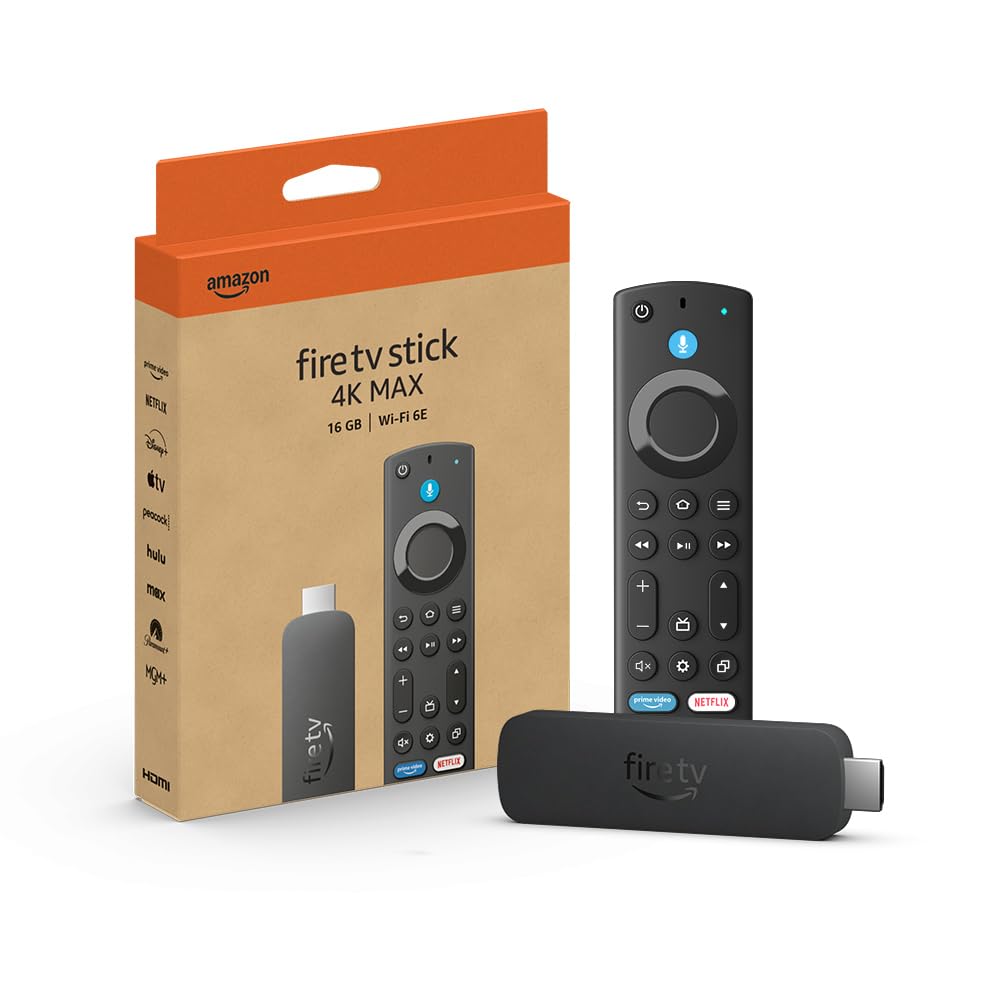
Amazon's flagship streaming dongle, the Amazon Fire TV Stick 4K Max (2nd Gen), packs high-end performance and generous storage into a stick form factor. Offering 16GB of internal storage—double that of basic Fire TV models—it allows power users to install dozens of heavy apps without running into constant storage cleanup warnings.
A standout capability on the 4K Max is support for Xbox Cloud Gaming directly through Xbox Game Pass. By pairing a Bluetooth wireless controller, you can stream console-quality titles like Call of Duty or Hogwarts Legacy directly to your TV without buying a gaming console. The device also introduces Amazon's Ambient Experience, turning your television screen into an ambient display featuring over 2,000 pieces of artwork, photography, and customizable Alexa widgets when idle.
Search capabilities are backed by Alexa voice control, allowing detailed queries like searching for movies by specific plot points or quote references. The full suite of picture formats—Dolby Vision, HDR10+, and Dolby Atmos sound—is fully supported. The primary compromise is Amazon's ad-heavy interface, which pushes Prime Video titles and sponsored banners prominently above your third-party app list.
Key Factors to Consider Before Buying
1. Operating System and Interface Clutter
Operating systems handle advertising very differently. Roku uses a plain app grid with minimal banner ads. Apple TV 4K offers a clean app grid without pop-ups or auto-playing video promotions. Google TV mixes personalized watch lists with sponsored recommendations. Amazon Fire TV aggressively highlights Prime Video content and display ads across its top banner. If you hate home-screen advertising, lean toward Apple or Roku.
2. Format Compatibility: Dolby Vision and HDR10+
To get the most out of a modern 4K HDR television, ensure your player supports dynamic HDR metadata formats. Both Dolby Vision and HDR10+ adjust brightness and dynamic range scene-by-scene rather than applying a single setting to an entire movie. Fortunately, all four top-tier devices featured in this guide support both standards along with Dolby Atmos audio passthrough.
3. Storage and Cloud Gaming
If you only watch Netflix, YouTube, and Hulu, 8GB of internal storage is sufficient. However, if you plan to install multiple streaming services, custom media players (like Plex), or cloud gaming apps, storage quickly becomes a bottleneck. The Amazon Fire TV Stick 4K Max provides 16GB, making it the most versatile budget stick for app hoarders and cloud gamers.
Alternatives to Consider
If you prefer dedicated, high-end home theater setups with lossless audio passthrough for local media servers, or simply want an ultra-budget streaming solution, consider these alternatives:
- For Budget Minimalism: If you don't need Dolby Vision or advanced voice remotes and just want standard 4K HDR playback on a secondary bedroom TV, look at standard budget 4K sticks from Roku or Amazon.
- For Advanced Local Media Streaming: Power users managing large hard drive libraries via Plex or Emby often prefer dedicated media boxes with gigabit Ethernet and uncompressed audio passthrough.
Verdict and Final Recommendation
For most households looking for an easy, affordable, and high-performance upgrade, the Roku Streaming Stick 4K provides the ideal balance of picture quality, long-range Wi-Fi stability, and unbiased navigation. However, if you want unmatched raw speed, zero home-screen ads, and deep integration with Apple devices, the Apple TV 4K (3rd Gen) remains the best overall streaming hardware on the market today.