As an Amazon Associate I earn from qualifying purchases. This page contains affiliate links, and I may earn a commission at no extra cost to you.
Who This Guide Is For
If you want to keep an eye on your home without a computer science degree — and without handing your footage to a faceless cloud server indefinitely — this guide is for you. Whether you rent a flat and need a no-drill floodlight camera or own a house and want whole-home coverage, we've tested the three most-talked-about wireless security cameras of 2025 so you don't have to.
We specifically care about privacy (where does your footage actually live?), total cost of ownership (what does this camera really cost over two years?), and ease of use for people who just want the thing to work.
Quick Comparison Table
| Camera | Resolution | Local Storage? | Subscription Needed? | Approx. Hardware Price | 2-Year TCO (est.) | Best For |
|---|---|---|---|---|---|---|
| Arlo Pro 5S | 2K HDR | Yes (USB/SmartHub) | Optional (Arlo Secure) | £170–£200 | ~£170–£410 | Flexible all-rounder |
| Google Nest Cam (Battery, 2nd Gen) | 1080p HDR | No (cloud only) | Yes for full history | £180–£210 | ~£470–£530 | Google Home households |
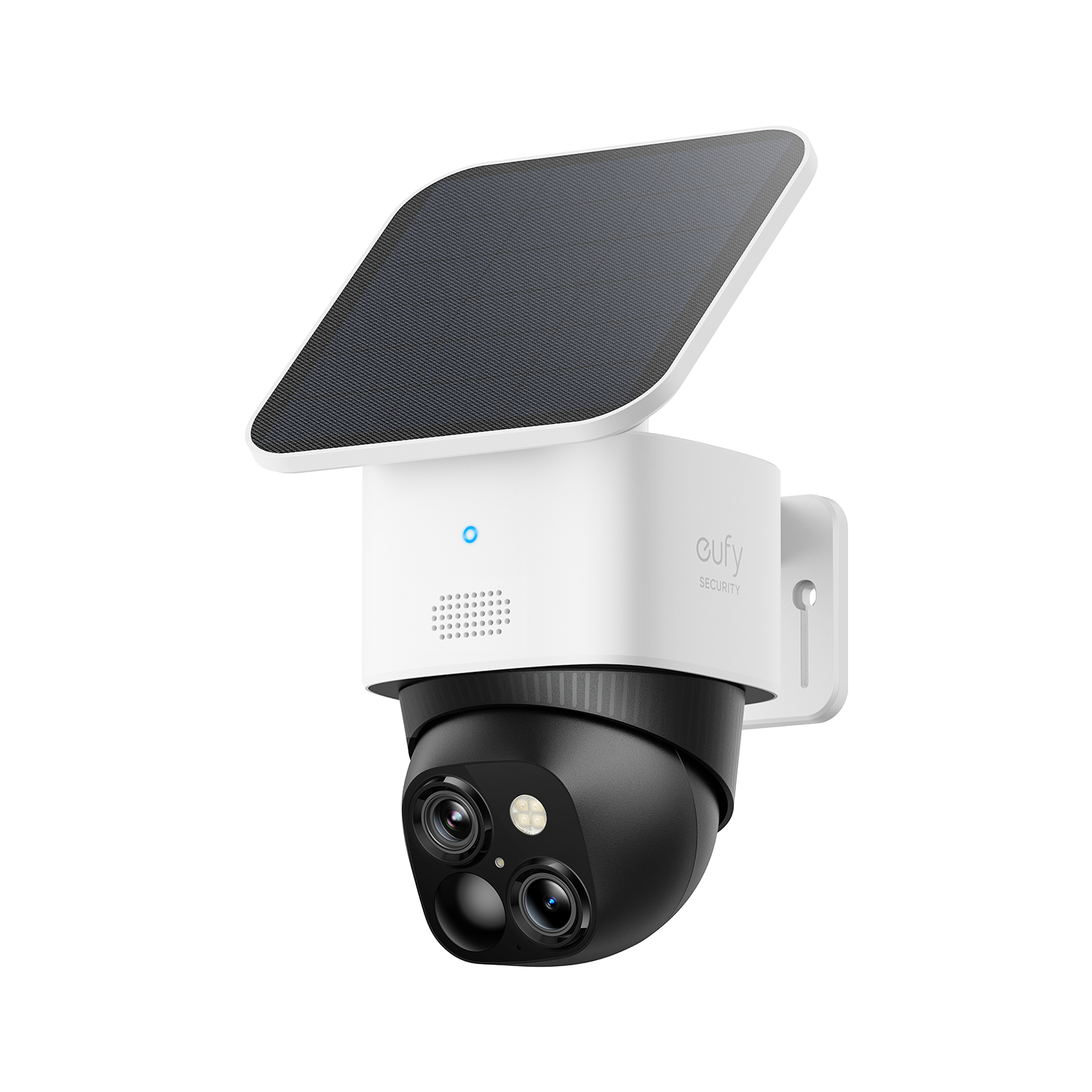
| Eufy Floodlight S330 | 4K (dual lens) | Yes (onboard eMMC + microSD) | No (optional HomeBase) | £200–£230 | ~£200–£230 | Privacy-first, wired install |
TCO note: Hardware price + 24 months of the cheapest paid subscription tier where required. Prices correct at time of writing; always confirm current subscription rates before buying.
1. Arlo Pro 5S — The Smart All-Rounder
Design & Build
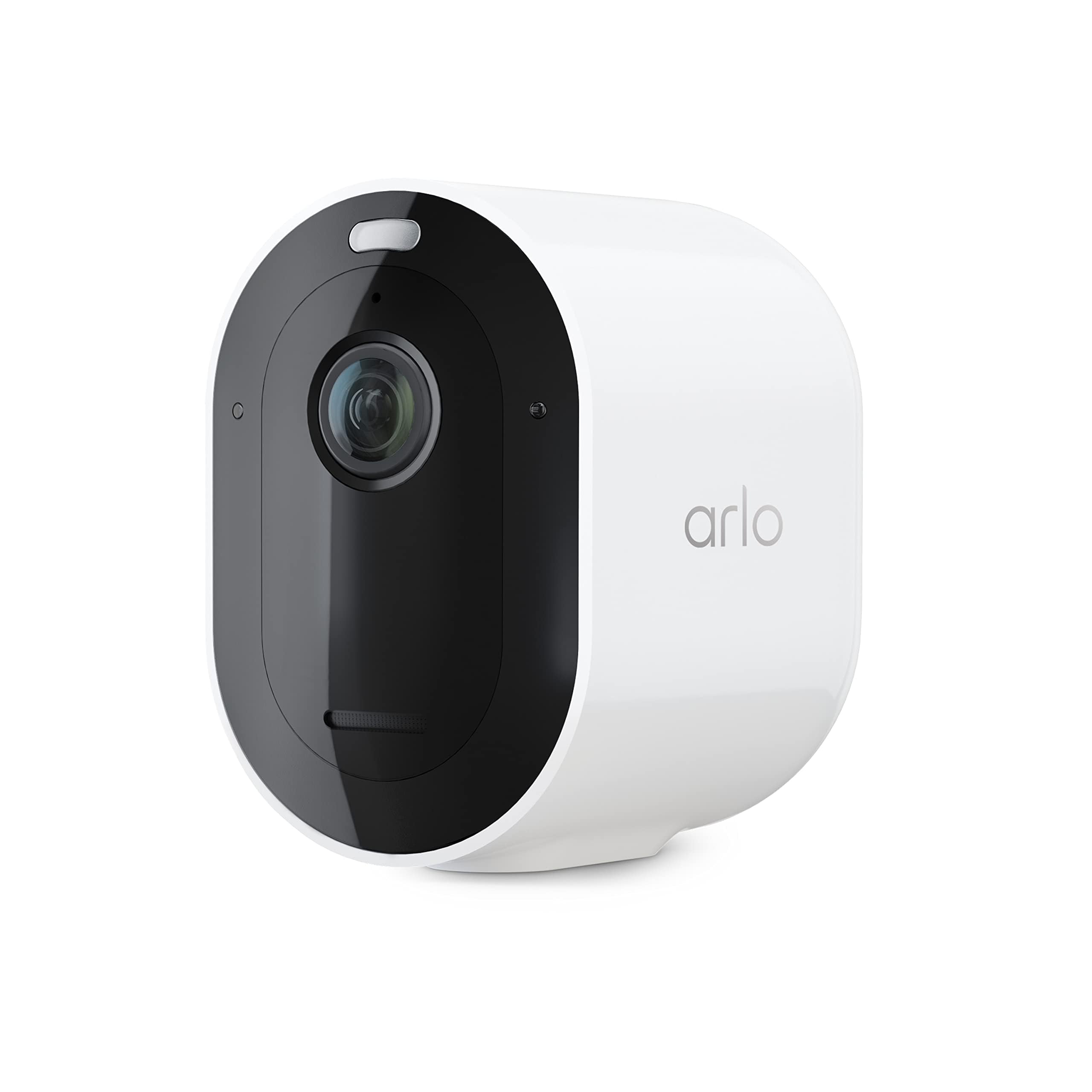
The Arlo Pro 5S is a compact, weather-resistant wireless camera (IP67 rated) with a magnetic mount that makes repositioning genuinely painless. The rechargeable battery lasts roughly three to six months depending on how busy your driveway is, and it supports solar-panel charging with an optional accessory. Build quality feels premium — rubberised housing, solid latch on the battery door — and it blends into most exterior walls without shouting "security camera" at visitors.
Key Features
- 2K HDR video with colour night vision
- Dual-band Wi-Fi (2.4 GHz & 5 GHz) for a more stable connection than its predecessors
- Integrated spotlight and siren
- Apple HomeKit, Amazon Alexa, Google Assistant, and SmartThings support
- Local storage via a connected Arlo SmartHub (sold separately) or USB drive
- On-device AI for people, vehicle, animal, and package detection
Performance
In testing, the Pro 5S delivers crisp 2K footage with enough detail to read a number plate in daylight. Night vision with the colour spotlight activated is genuinely impressive — you get usable colour footage up to about six metres. Motion detection is fast (typically under one second to notification) and false alerts from trees and shadows are rare thanks to the on-device AI.
The 5 GHz Wi-Fi support is a meaningful upgrade over older Arlo models: in a house with a busy 2.4 GHz band, the live stream loads noticeably faster.
Privacy & Cloud
This is where Arlo requires some nuance. Without a subscription, you get 30 days of free cloud clips plus local storage if you own a SmartHub — a genuinely usable setup. With an Arlo Secure plan (verify current pricing on Arlo's website), you unlock extended cloud history, e911, and richer AI features. Your footage is encrypted in transit and at rest on Arlo's servers, but if privacy is your top priority, the local-storage route via SmartHub keeps your video off the cloud entirely.
Value & TCO
Hardware sits around £170–£200. If you use the free tier with a SmartHub for local storage, your two-year cost is close to the hardware price alone (plus a one-off SmartHub cost of ~£80 if you don't already own one). Subscribers add roughly £2.79–£12.99/month depending on the plan. That puts the full two-year TCO anywhere from £170 to around £510 — so choose your tier wisely.
Pros
- Genuinely usable free tier with local storage option
- Excellent ecosystem compatibility (HomeKit, Alexa, Google, SmartThings)
- 5 GHz Wi-Fi = faster, more reliable streams
- IP67 — truly weatherproof
Cons
- SmartHub costs extra if you want local storage
- Battery life shortens significantly in cold weather or high-traffic areas
- 2K is good but competitors now offer 4K
2. Google Nest Cam (Battery, 2nd Gen) — Best for the Google Ecosystem
Design & Build
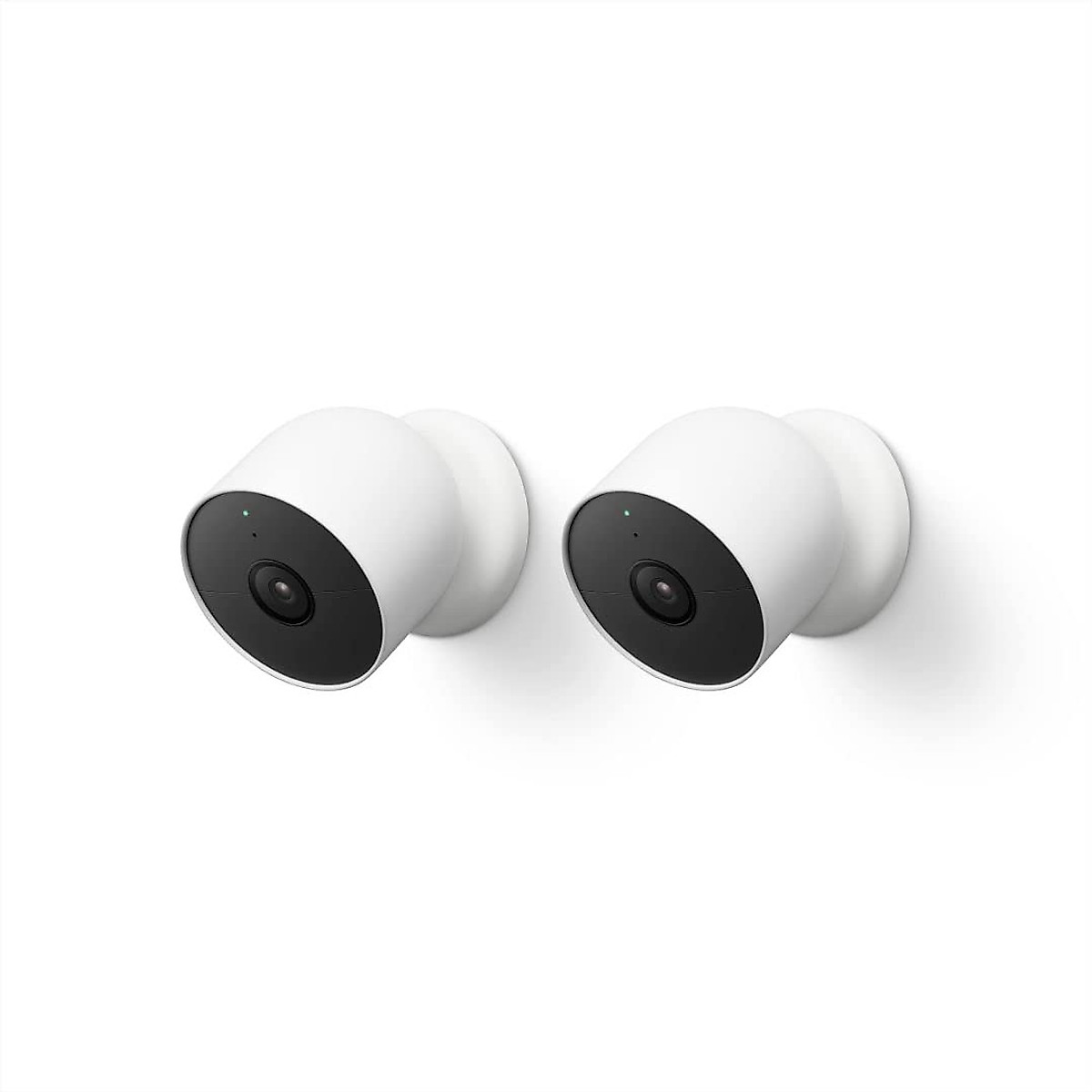
The second-generation Nest Cam (Battery) looks like a smooth white pebble on a magnetic swivel mount. It's elegant enough to sit indoors without looking like CCTV, and it's weatherproof enough (IP54) for sheltered outdoor spots — a covered porch, soffit, or carport. The magnet mount is genuinely convenient, but it also means anyone who can reach the camera can walk off with it, so placement matters.
Key Features
- 1080p HDR video with night vision
- Intelligent alerts: people, vehicles, animals, package detection (Nest Aware required for full detail)
- Familiar activity zones and facial recognition (with subscription)
- Deep Google Home integration — shows up natively on Nest Hub displays
- Optional wired power via included USB-C cable
- Works with Google Assistant routines
Performance
Video quality at 1080p HDR is very good and the software processing (HDR, noise reduction) punches above the raw resolution numbers. However, compared side-by-side with the Arlo Pro 5S's 2K footage, fine detail — number plates, faces at distance — is softer. Where Google shines is in the software experience: the Nest app is polished, alerts are well-categorised, and the timeline view on a Nest Hub display makes reviewing footage intuitive for the whole household.
Privacy & Cloud
This is where we have to be straight with you: the Nest Cam has no local storage option whatsoever. All footage goes to Google's cloud. Without a Nest Aware subscription, you only get 3 hours of event history (enough for "did I leave the back door open?", not for "what happened last night?"). A Nest Aware subscription (check current pricing at store.google.com) extends that to 30 or 60 days. If you're uncomfortable with Google holding your home footage, this camera isn't the right pick regardless of how good the app is.
Value & TCO
Hardware is around £180–£210. Add a Nest Aware subscription for 24 months and you're looking at a two-year TCO of roughly £470–£530. That's the most expensive option in this comparison on a pure cost basis, and it locks you into Google's ecosystem and pricing decisions going forward.
Pros
- Best-in-class app experience and Google Home integration
- Clean, unobtrusive design that works indoors and outdoors
- Facial recognition for household members (with Nest Aware)
- USB-C wired option means you can eliminate battery anxiety
Cons
- No local storage — cloud dependency is non-negotiable
- 1080p resolution lags behind competitors at this price point
- Highest two-year TCO in this comparison
- IP54 only — not suitable for exposed, rain-facing locations
3. Eufy Floodlight S330 — The Privacy Champion
Design & Build
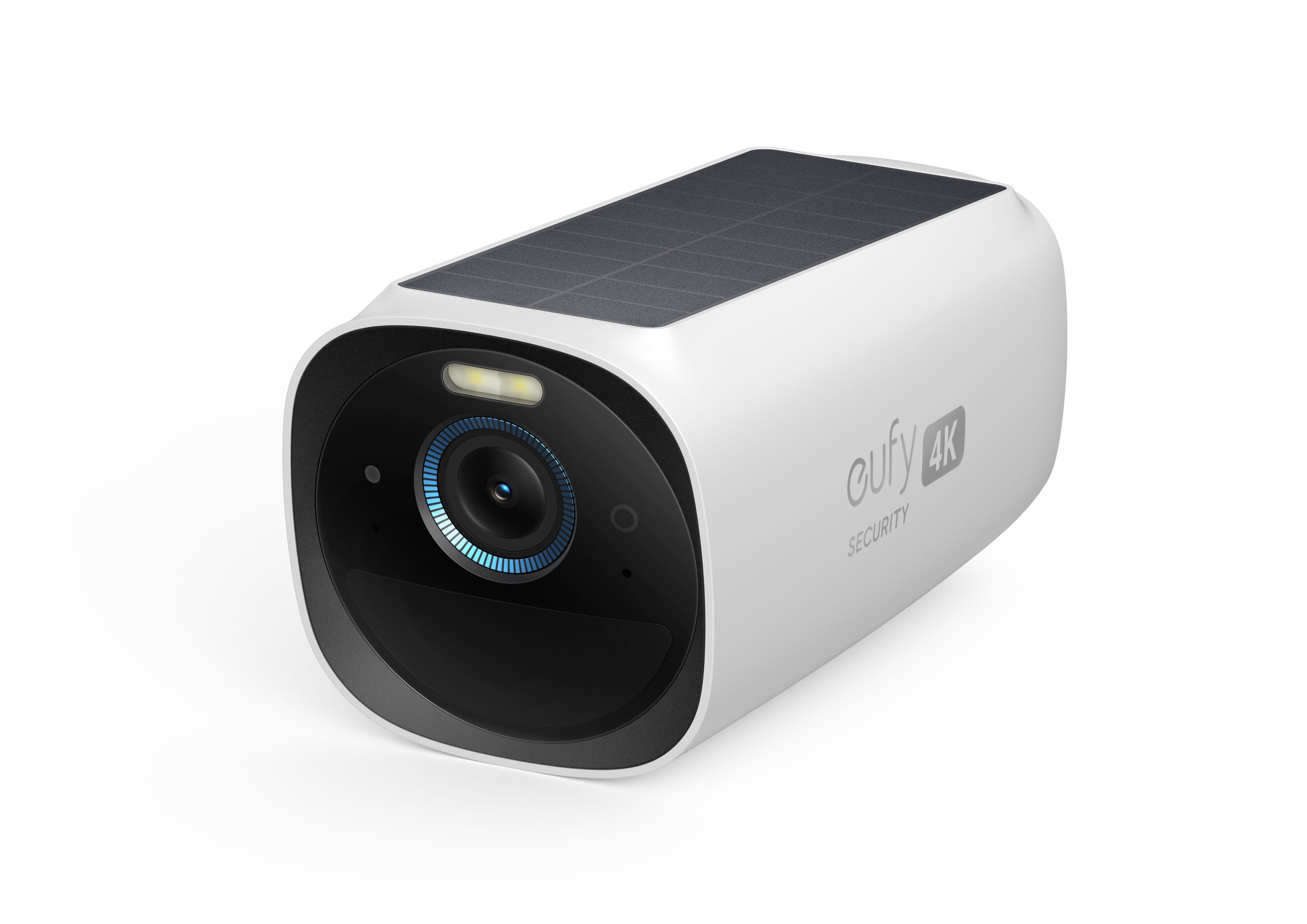
The Eufy Floodlight S330 is a hardwired floodlight-camera combo built for driveways, garages, and side-return paths. It replaces an existing outdoor light fitting (standard wiring, no special expertise required if you're comfortable with basic electrical work — or hire an electrician for 30 minutes). The dual-lens design is distinctive: two separate camera modules sit either side of the floodlight bar, giving you a wider combined field of view than a single-lens camera. Build quality is solid — this is a device designed to stay put for years.
Key Features
- 4K dual-lens camera (two lenses working together for wider coverage)
- Onboard eMMC storage plus microSD slot — no subscription, no cloud required
- 2,000-lumen floodlight with intelligent activation
- AI human, vehicle, and pet detection with customisable activity zones
- Two-way audio with a loud built-in siren
- Optional HomeBase 3 connection for encrypted local NAS-style storage
- Compatible with Amazon Alexa and Google Assistant
Performance
4K footage is genuinely excellent — number plates, faces at 10+ metres, and fine detail you simply can't get at 1080p or even 2K are all clearly visible. The dual-lens arrangement means fewer blind spots than a single camera covering the same area. The 2,000-lumen floodlight is bright enough to genuinely illuminate a driveway and act as a deterrent, not just a token light.
The app (eufy Security) is functional if less polished than Google's offering. Local playback is fast and the timeline scrubber works well. One limitation: live streaming quality can occasionally drop if your home Wi-Fi signal is weak near the install point — worth checking before you mount it.
Privacy & Cloud
This is where the S330 stands apart. Your footage is stored locally by default — on the device itself or on a connected HomeBase. Eufy has faced historical scrutiny over privacy practices, and to their credit they've responded with end-to-end encryption for local streams, clearer data policies, and the ability to operate entirely without cloud connectivity. Verify the current privacy policy at eufy.com before purchasing, but as of mid-2025 the S330 is the strongest privacy option in this comparison for users who want footage that never leaves their home network.
Value & TCO
Hardware is around £200–£230. Because there's no mandatory subscription, your two-year TCO is essentially the hardware price. If you add an optional HomeBase 3 for expanded local storage (~£100), you're still well under the subscription-burdened competition. For privacy-conscious buyers, this represents exceptional long-term value.
Pros
- 4K dual-lens delivers the best image quality in this comparison
- No subscription needed — lowest two-year TCO
- Genuinely privacy-first: local storage, optional fully offline operation
- Bright floodlight adds real deterrence value
Cons
- Requires hardwiring — not suitable for renters without landlord permission
- App experience less polished than Arlo or Google
- Eufy had well-publicised privacy controversies in 2022–2023; verify current policies yourself
- Dual-lens footage can feel overwhelming to review if you're used to a single-camera view
How to Choose: Privacy-First Decision Framework
Step 1 — Can You Wire It?
If you're a renter or simply don't want to involve an electrician, the Eufy S330 is off the table. Go with the Arlo Pro 5S or Nest Cam (Battery).
Step 2 — How Do You Feel About Cloud Storage?
If the idea of your home footage sitting on a company's server bothers you, rank your options as: Eufy S330 first, Arlo Pro 5S with SmartHub second, Nest Cam last. The Nest Cam has zero local storage option — that's a dealbreaker for privacy-first buyers.
Step 3 — What Smart Home Platform Are You On?
If you're deep in Google Home with Nest Hub displays everywhere, the Nest Cam's seamless integration is a genuine quality-of-life advantage. If you use Apple Home, the Arlo Pro 5S with HomeKit support is the natural fit. If you use Alexa, all three work, but the Eufy and Arlo integrations are more mature.
Step 4 — What's Your Budget Over Two Years?
Use the TCO estimates above. If subscription costs will stretch your budget, the Eufy S330 wins on value by a clear margin. If budget isn't a concern and ecosystem integration matters most, the Nest Cam is a premium option with a premium ongoing cost.
Accessories Worth Considering
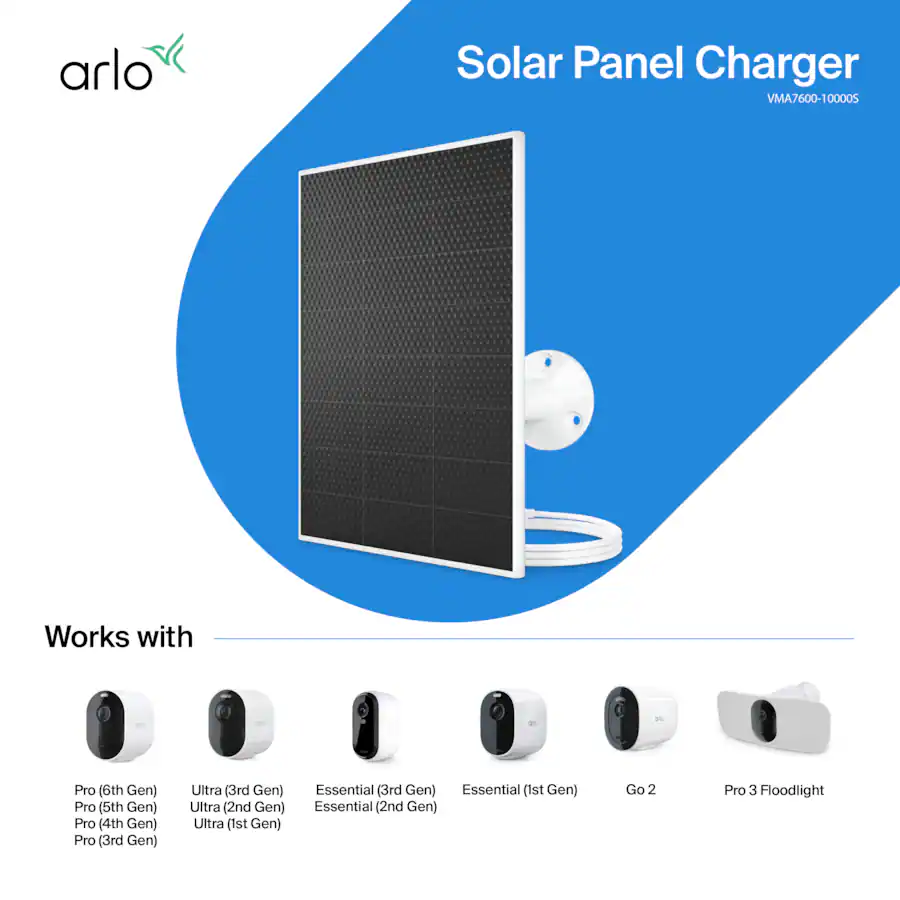
- Arlo Solar Panel: eliminates battery anxiety for the Pro 5S in a sunny position.
- Eufy HomeBase 3: adds encrypted local NAS storage for multiple Eufy cameras.
- Google Nest Hub (2nd Gen or later): turns Nest Cam footage into an always-on home monitor.
Final Verdict
There's no single "best" camera here — it genuinely depends on your situation:
- Best for renters and flexible setups: Arlo Pro 5S. The combination of 2K quality, 5 GHz Wi-Fi, true IP67 weatherproofing, optional local storage, and wide ecosystem support makes it the most versatile pick for most people.
- Best for Google Home households: Google Nest Cam (Battery, 2nd Gen). The app and integration are superb, but go in with eyes open about the cloud dependency and long-term subscription cost.
- Best for privacy and long-term value: Eufy Floodlight S330. 4K footage, no subscription, local-first storage — if you can hardwire it, this is the camera we'd put on our own house.
Whatever you choose, a camera you actually use and maintain is infinitely better than one sitting in a box. Start with one camera at your most vulnerable entry point, learn the app, then expand from there.
Ready to buy? Use the links below to check today's prices — they change frequently and you may find a deal that tips the decision.