As an Amazon Associate I earn from qualifying purchases. This page contains affiliate links, and I may earn a commission at no extra cost to you.
Finding the right coding robot for a child stepping beyond the basics can feel a bit like searching for a unicorn – you want something engaging, educational, and genuinely capable, but not so complex it leads to frustration. Makeblock has carved out a strong niche in this space with its mBot series, two of the most popular options being the original 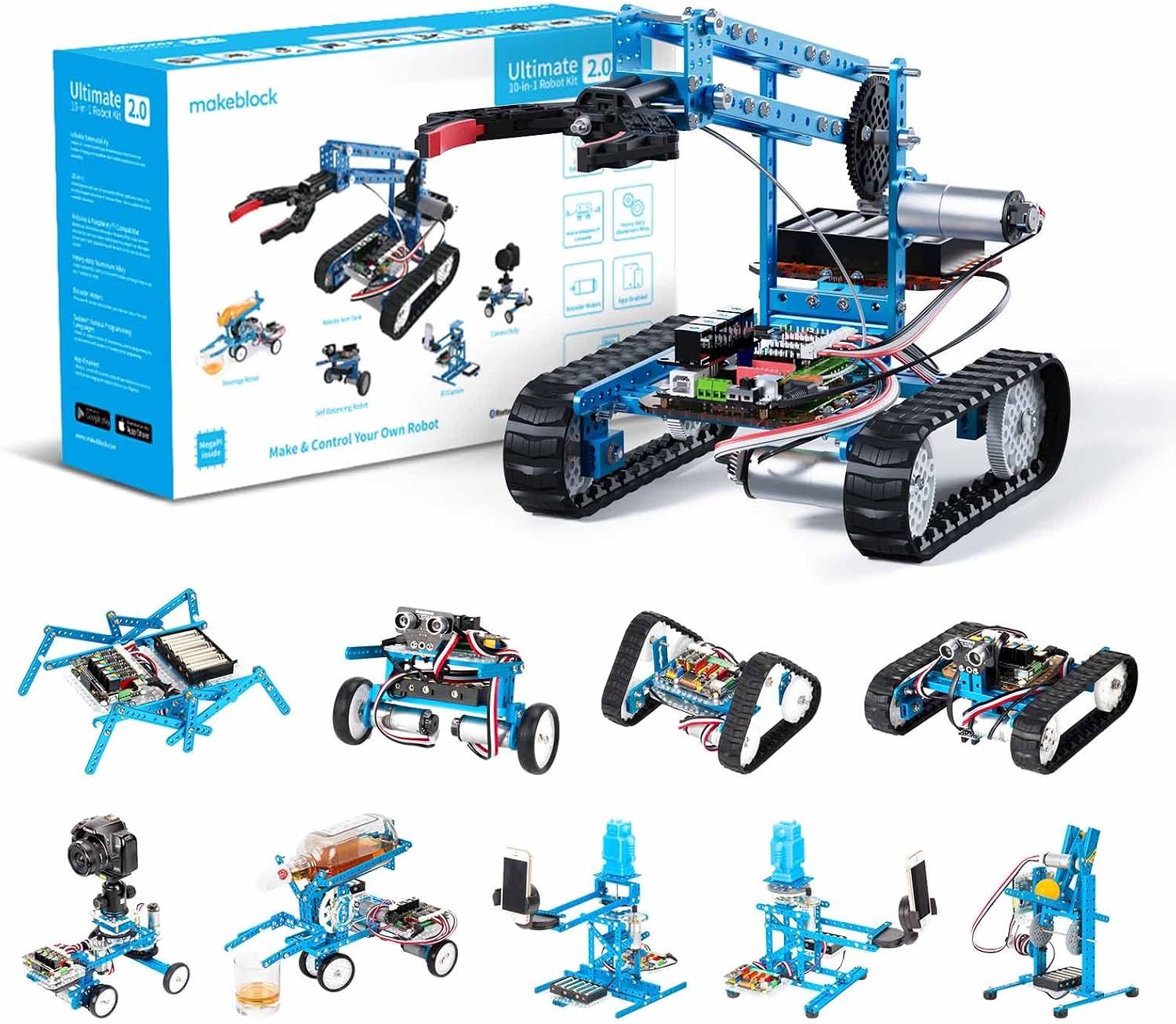
Makeblock mBot: The Dependable Entry Point
The original Makeblock mBotNo extra cost to you · Check current price & availability on Amazon has been a staple in homes and classrooms for years, and for good reason. It's built with a sturdy aluminium chassis, making it surprisingly durable for enthusiastic young engineers. Assembly is straightforward, usually taking less than half an hour, which is a great first step in understanding its components. It connects via Bluetooth (or 2.4G wireless with an optional dongle), allowing kids to program it wirelessly from a tablet or computer using Makeblock's graphical mBlock software, which is based on Scratch.
Feature-wise, the mBot comes equipped with an ultrasonic sensor for obstacle avoidance, line-following sensors, and a light sensor. These basics allow for a wide array of introductory projects, from navigating mazes to following lines on the floor. It's incredibly accessible and provides a solid foundation for understanding programming logic and basic robotics.
Pros of the Makeblock mBot:
- Affordable price point, making it a great entry into robotics.
- Simple, quick assembly builds confidence.
- Intuitive graphical programming with mBlock (based on Scratch).
- Durable aluminium construction.
- Excellent for introducing fundamental robotics concepts.
Cons of the Makeblock mBot:
- Limited expansion possibilities compared to more advanced kits.
- Bluetooth connectivity can sometimes be less stable than Wi-Fi.
- Fewer built-in sensors mean certain complex projects require add-ons.
Makeblock mBot Neo: Stepping Up the Game
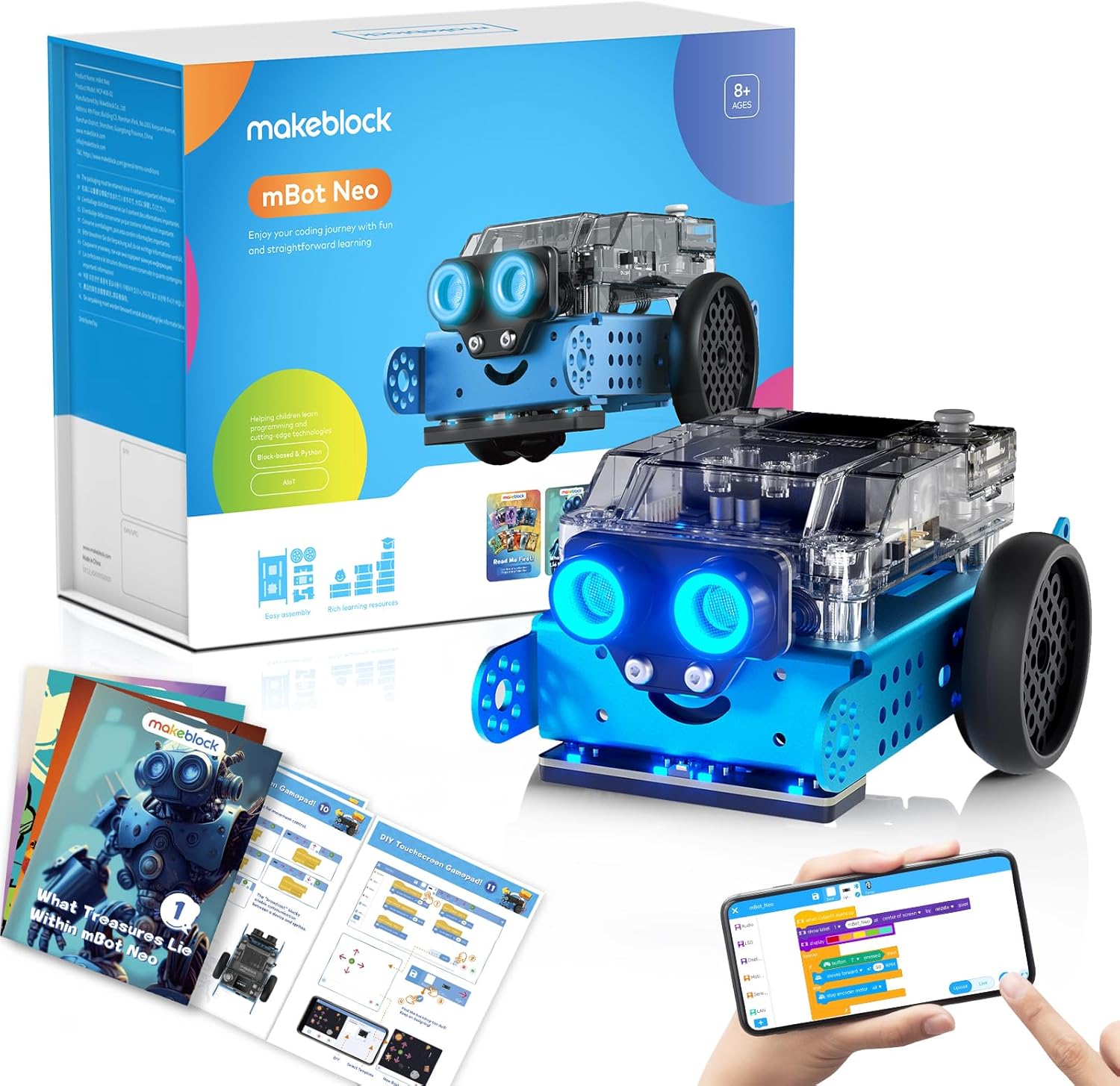
The Makeblock mBot NeoNo extra cost to you · Check current price & availability on Amazon, as its name implies, is a significant upgrade designed for those ready to tackle more complex challenges. While it retains the beloved mBot form factor and sturdy build, the internals and capabilities are where it truly shines. It features an ESP32 main control board, which brings robust Bluetooth and Wi-Fi connectivity, offering more reliable communication and opening doors to IoT projects.
The sensor array is also vastly improved. Beyond the ultrasonic and line-following sensors, the mBot Neo integrates a gyroscope, accelerometer, and even an LED matrix for displaying custom animations or text. This expanded suite enables more sophisticated behaviours, such as self-balancing, gesture control, and richer interactive experiences. Programming is still done through mBlock, supporting both Scratch-like block coding and a switch to Python for older, more advanced students. The addition of a USB-C port is also a welcome modern touch.
Pros of the Makeblock mBot Neo:
- Advanced ESP32 mainboard for more powerful processing.
- Reliable Wi-Fi and Bluetooth connectivity for IoT integration.
- Richer sensor suite (gyro, accelerometer, LED matrix) for complex projects.
- Supports both block-based coding (Scratch) and Python.
- Excellent expandability with Makeblock's Neuron modules and other components.
- USB-C for modern connectivity.
Cons of the Makeblock mBot Neo:
- Higher price point than the original mBot.
- The enhanced features might be overwhelming for absolute beginners without guidance.
- Slightly longer assembly due to more components, though still manageable.
Feature Comparison: mBot vs. mBot Neo
To help you visualise the differences, here's a direct comparison of their key specifications:
| Feature | Makeblock mBot | Makeblock mBot Neo | Verdict / Buy |
|---|---|---|---|
| Core Controller | ATmega328 (Arduino-compatible) | ESP32 (more powerful, Wi-Fi capable) | Neo offers more power |
| Connectivity | Bluetooth (2.4G optional) | Bluetooth & Wi-Fi | Neo for modern projects |
| Key Sensors | Ultrasonic, Line-Follower, Light Sensor | Ultrasonic, Line-Follower, Light, Gyro, Accelerometer, LED Matrix | Neo has a much richer suite |
| Programming | mBlock (Scratch-based), Arduino C | mBlock (Scratch & Python), Arduino C | Neo offers Python option |
| Expandability | Limited ports | More versatile ports, Neuron modules | Neo is significantly more expandable |
| Price Band | Mid-range (roughly £80-£100) | Premium (roughly £130-£160) | Neo is a bigger investment |
| Best For | Beginners, Younger kids (8+) | Intermediate coders, Older kids (10+), IoT projects | Check mBot PriceNo extra cost to you · Check current price & availability on Amazon | Check mBot Neo PriceNo extra cost to you · Check current price & availability on Amazon |
Who Should Buy Which?
If you're buying for a child who's just starting out with coding or robotics, or if you're on a tighter budget, the Makeblock mBotNo extra cost to you · Check current price & availability on Amazon remains an excellent choice. It provides a frustration-free entry point and covers all the fundamentals without being overwhelming. It's a fantastic gift for kids aged 8-10 who are curious about how things work.
However, for the child who's already tinkered with Scratch, perhaps built simple circuits, or shown a keen interest in more complex automation, the Makeblock mBot NeoNo extra cost to you · Check current price & availability on Amazon is undoubtedly the superior option for intermediate STEM skills. Its advanced connectivity, expanded sensor array, and Python support mean it will grow with your child's abilities for much longer, enabling them to explore more sophisticated projects like smart home integration or advanced autonomous navigation. It’s ideal for ages 10 and up, and even into early teens.
Alternatives to Consider
While the mBots are excellent, they aren't the only robots worth looking at. If your budget allows for a significant step up in complexity and creative freedom, the 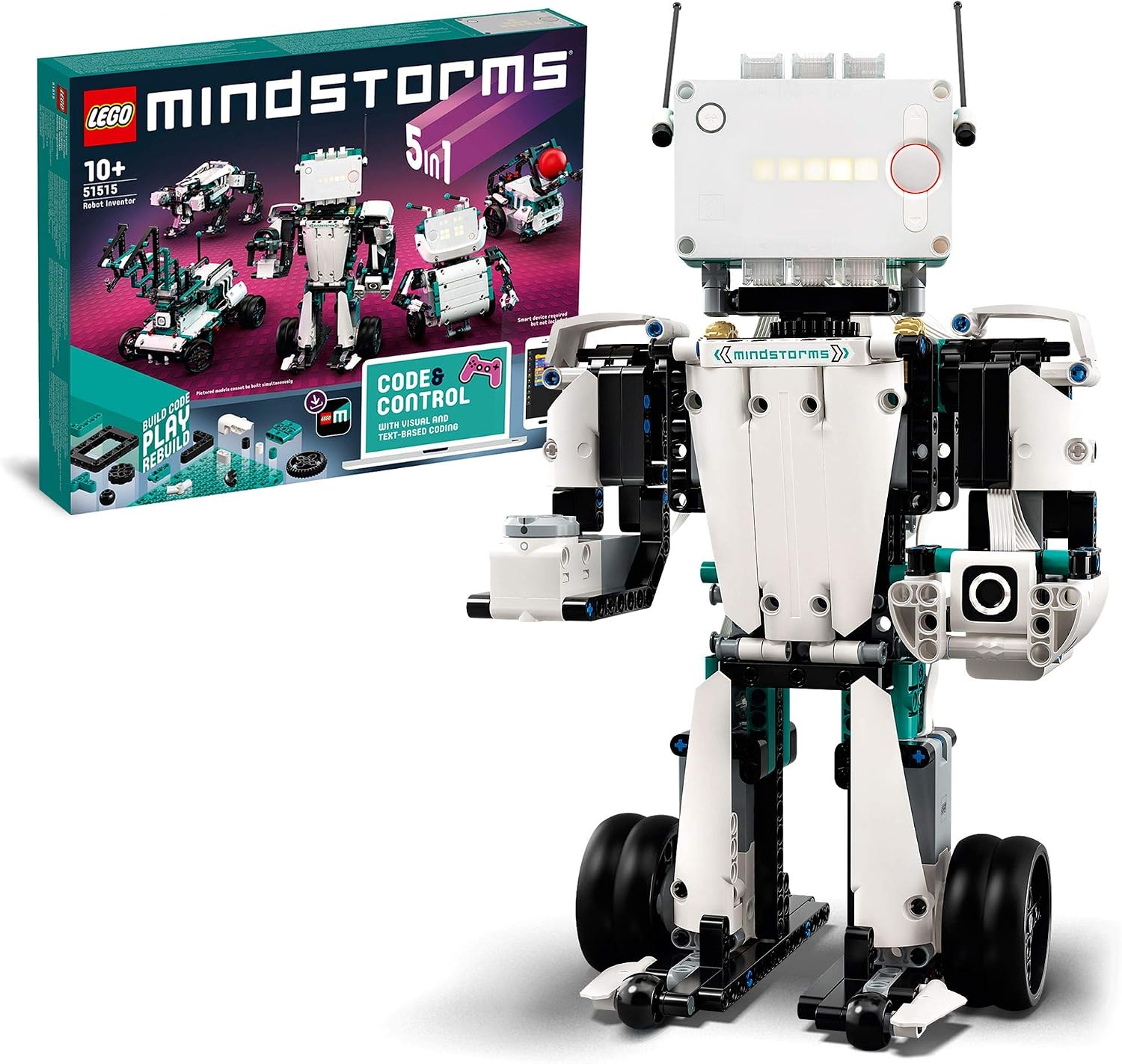
The Bottom Line
For children ready to move past basic block coding and explore more advanced robotics and programming concepts, the Makeblock mBot Neo is the clear front-runner. Its superior connectivity, diverse sensor suite, and support for Python make it a future-proof investment in a child's STEM education. While the original mBot is still a fantastic entry-level robot, the Neo justifies its higher price by offering a much richer and more enduring learning experience for intermediate users.
Ready to power up their STEM journey? Explore the Makeblock mBot Neo on Amazon today!No extra cost to you · Check current price & availability on Amazon